
How to Use the Drip Action to Manage Workflow Execution in GHL
Updated April 16, 2024
When thousands of contacts trigger a workflow simultaneously, uncontrolled execution spikes can overwhelm your automations and downstream integrations. Using the GoHighLevel Drip action, you will configure batch sizes and drip intervals to release contacts in manageable, scheduled groups.
The Drip action serves to control or mitigate a surge of simultaneous executions. Configure the batch size and proceed to the subsequent step after a predefined number within the specified interval.
INTERNAL TOOLS

CONFIGURATION
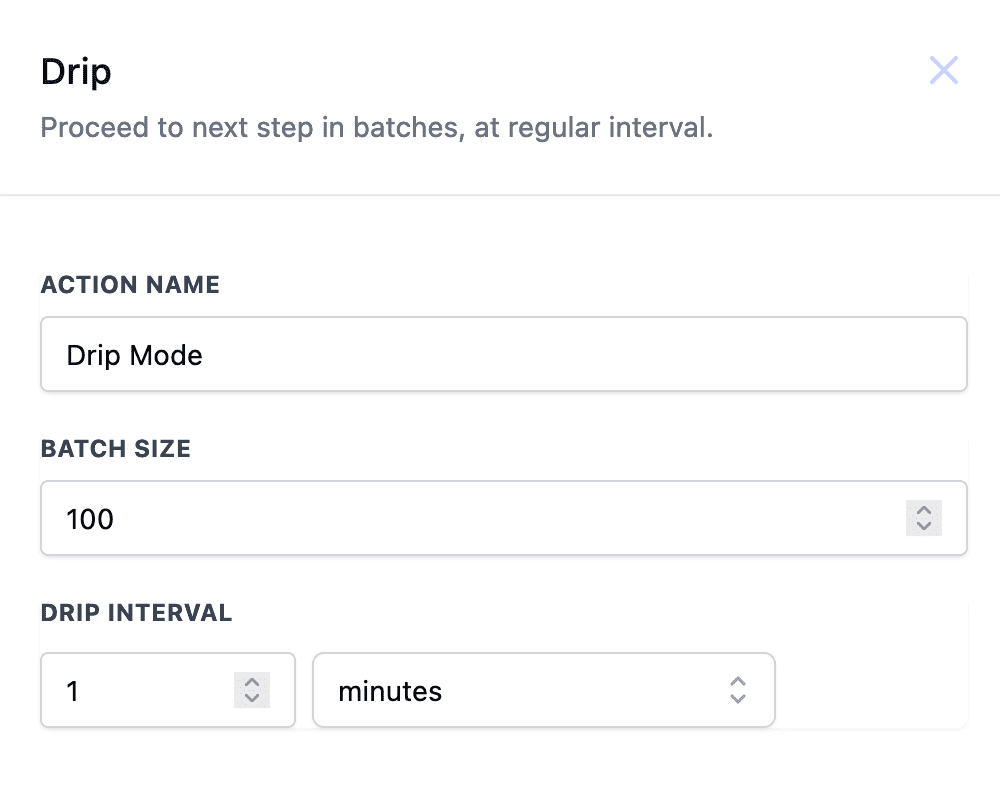
Batch Size
Batch size can be set to a minimum of one and a maximum of ten thousand per batch.
Drip Interval
Drip interval can be set in minutes/hours/days ranging from one minute to seven days
Example
Imagine a scenario where 10,000 contacts embark on a workflow, with 5,000 progressing from the wait step to the subsequent phase. To manage the influx of executions effectively, consider configuring a batch size of 50 and an interval of 10 minutes. This setup ensures a controlled progression, allowing 50 contacts to advance to the next step every 10 minutes.
Keep learning