
How to Set Up Email and SMS Alerts for New Leads in GHL
Updated April 23, 2024
Missing a new lead because your team never got alerted is a costly workflow gap that GoHighLevel's internal notification actions are designed to close. By the end of this tutorial, you'll have automated email and SMS alerts firing inside a GHL workflow — complete with rate limiting configured to protect your deliverability.
Guidance on dispatching internal notifications within workflows:
Set up a new workflow:
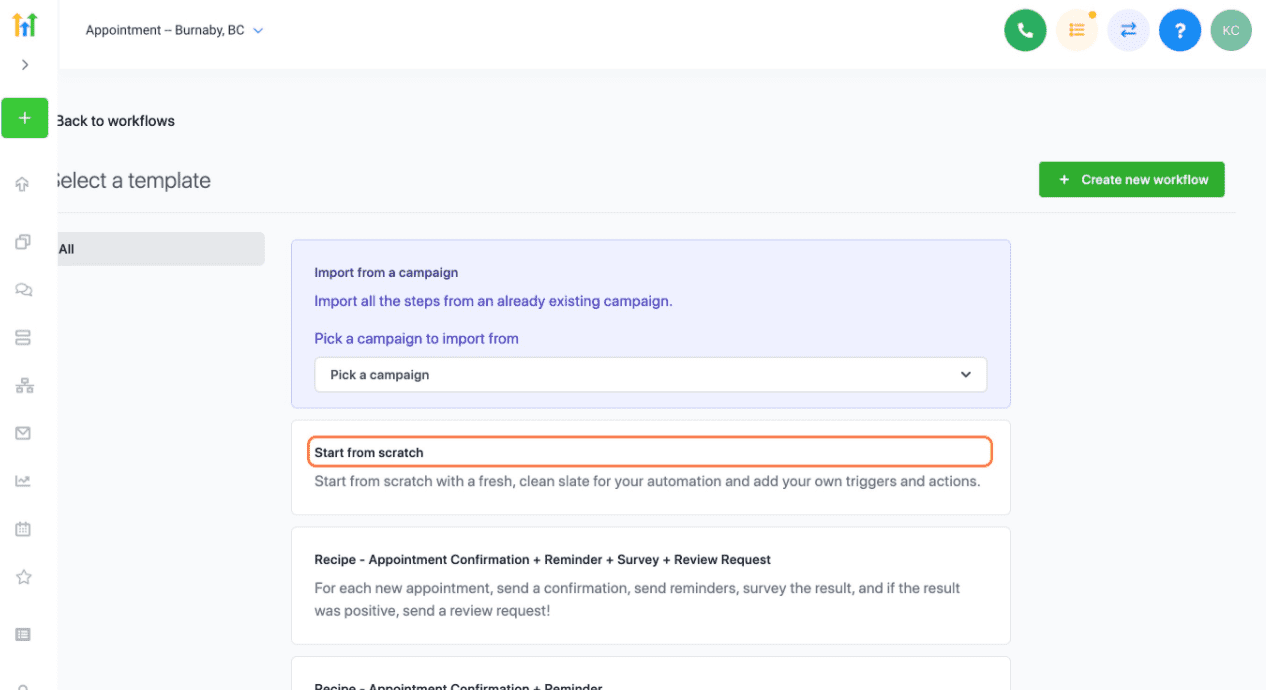
Click on Start from scratch
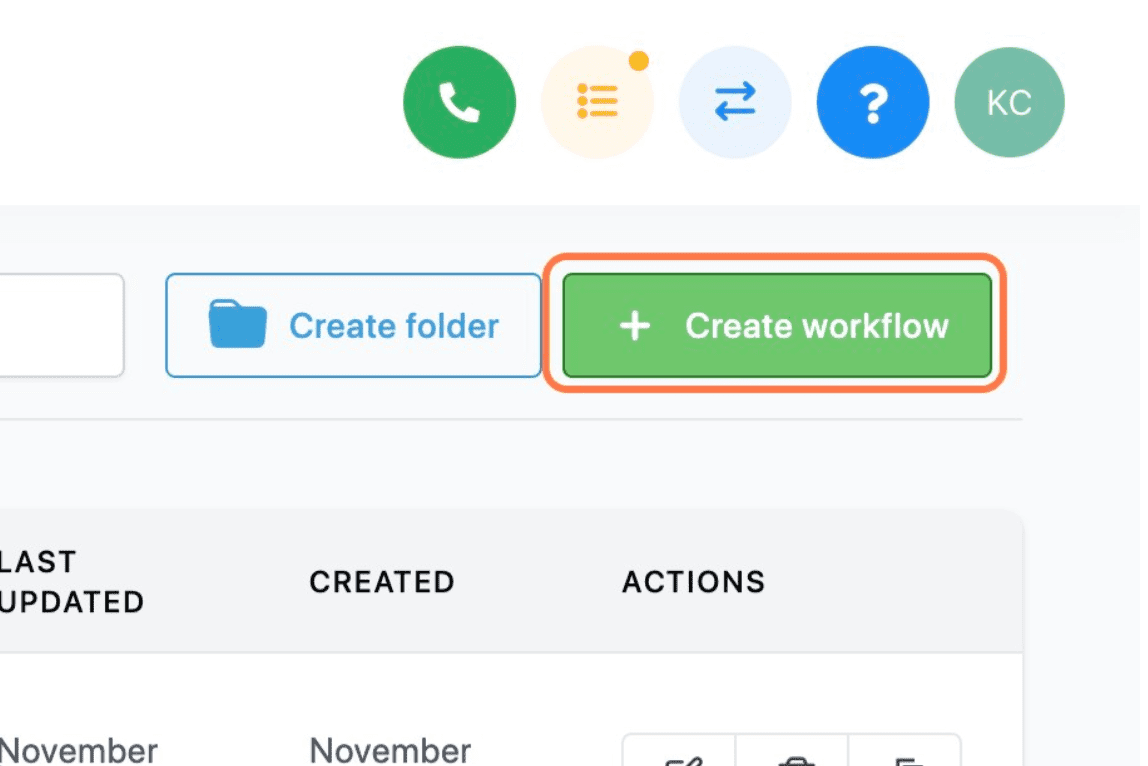
Click on Create workflow
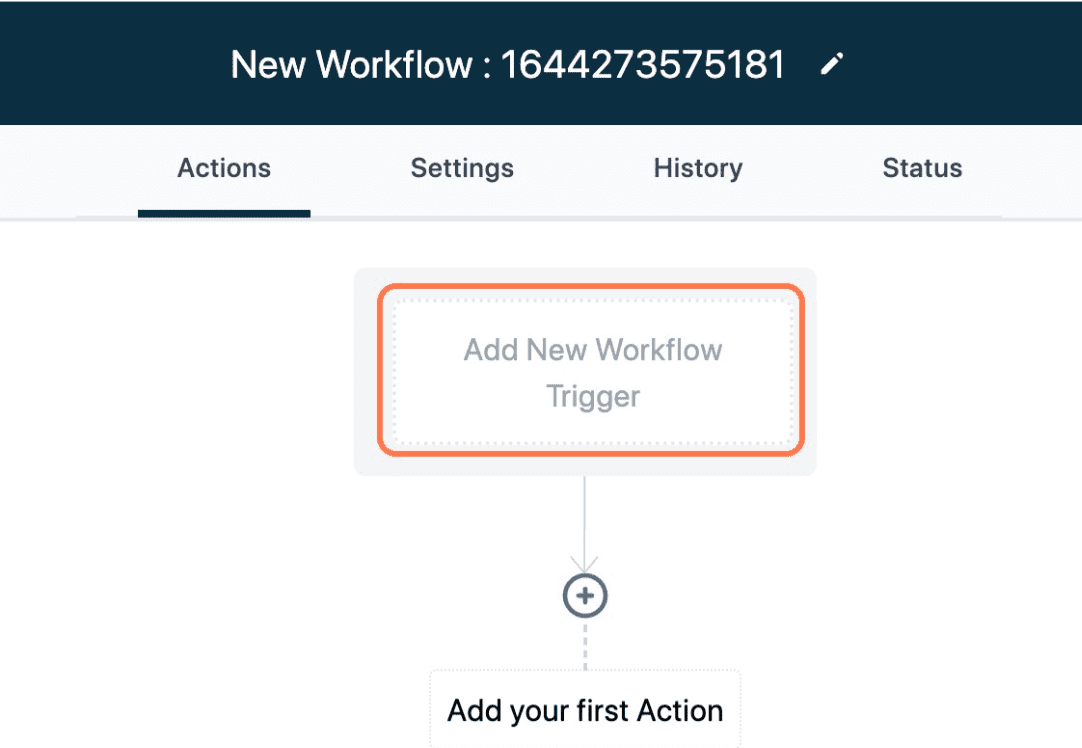
Click on Add New Workflow Trigger
Once you configured the workflow trigger:
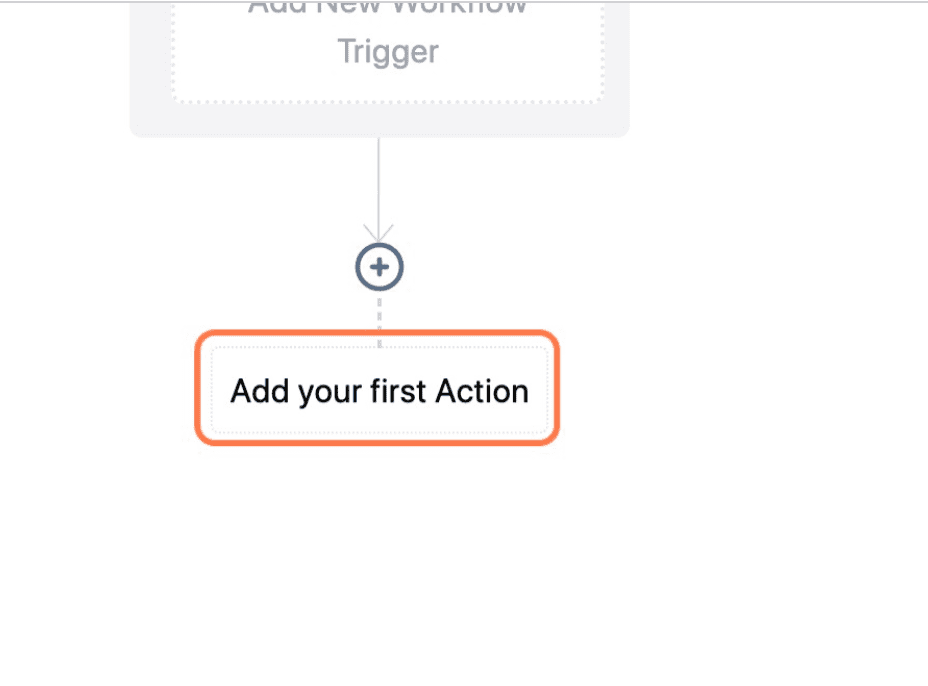
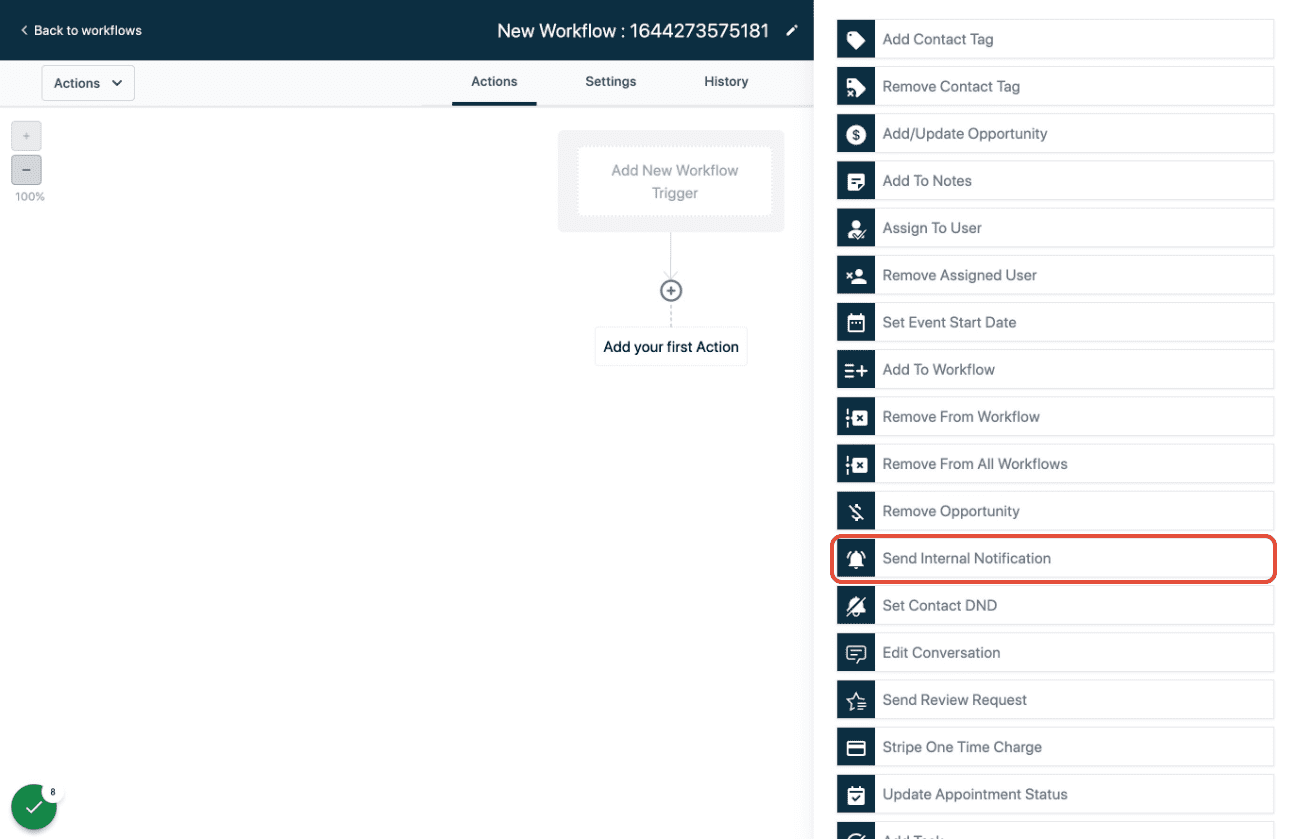
Click on Add your first Action
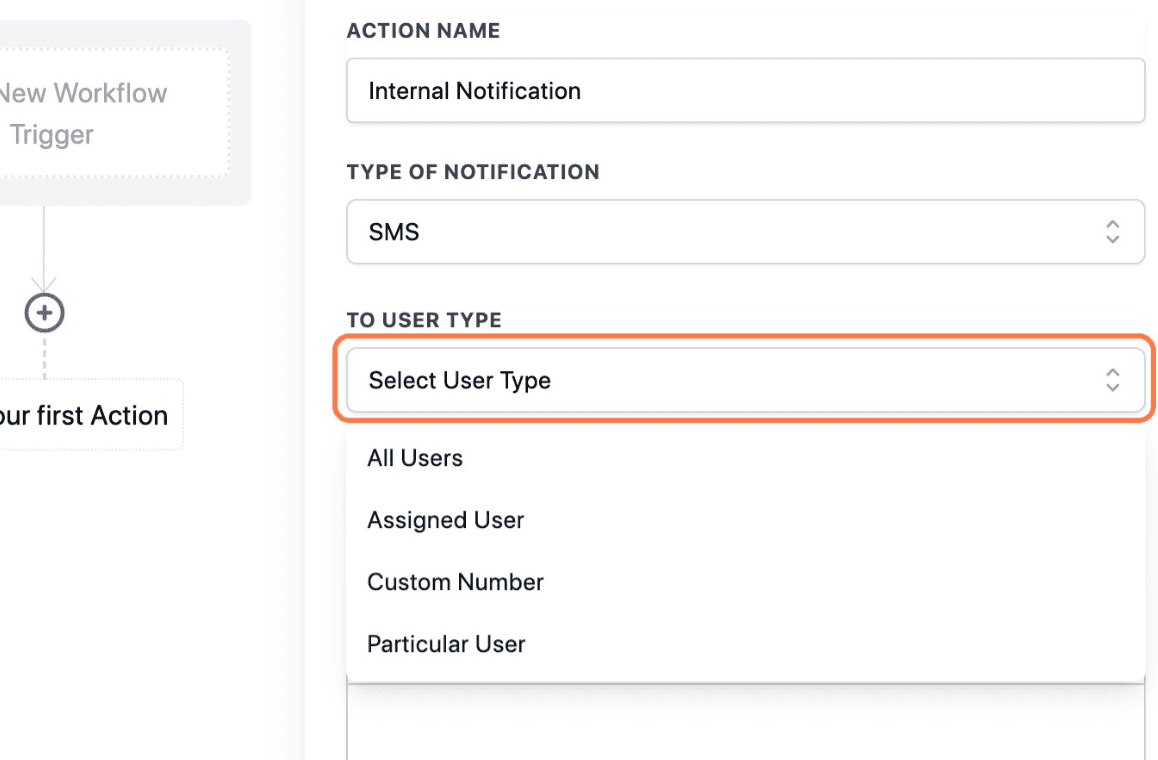
Click on Send Internal Notification
Choose the type of notification:
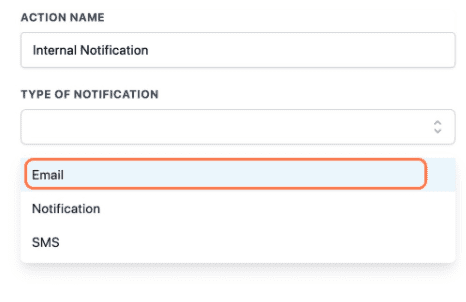
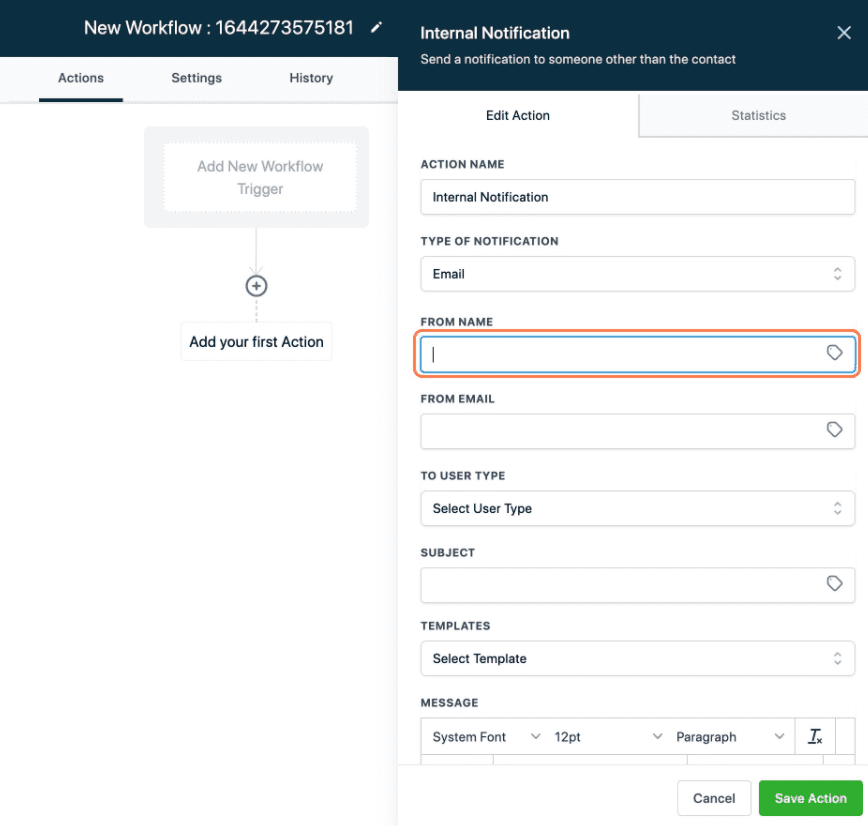
Email notification
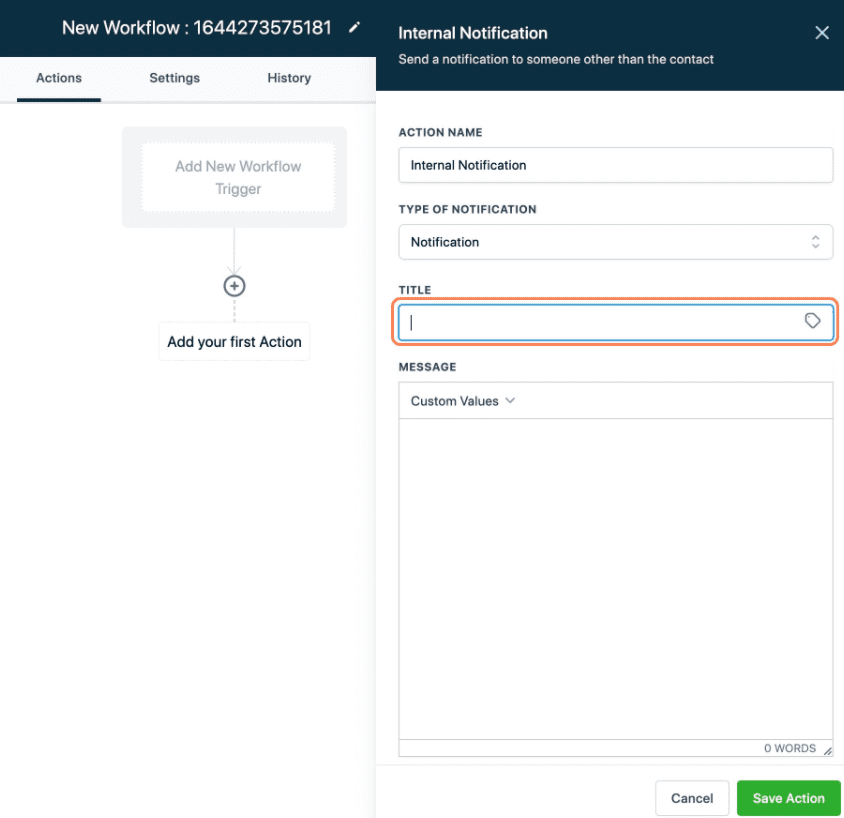
Internal notification:
SMS notification
Rate limiting on Workflow Notifications
We have added Rate Limiting for Internal Notification action of workflows.
The current rate limits are
- 500 notifications / 5mins for each user (Per workflow)
- In the case of email, its 500 notifications per 5 mins, per user email
- In the case of SMS, its 500 notifications per 5 mins, per user’s phone
- In the case of in-app notifications, its 500/5 mins per user Id
We will skip any notifications that are sent after breaching this limit.
Why was this done, and how will this help?
- Because no limit was enforced, there were several updates made to a specific conversation of a user.
- Let’s say you put 300k contacts into a workflow
- And in the internal notification you are sending a mail to a particular user (in most cases we have seen customers set up to send a notification to themselves)
- Now this particular user mail will get 300k emails.
- Because of this, the conversation of this user will be updated 300k times, within a few seconds/minutes.
- This introduced an overall delay in processing workflow actions.
Effective rate-limiting is crucial for controlling these occurrences and preventing customers from sending large volumes of emails to specific users.
Keep learning