
How to Automate Follow-Up Comments on Social Media with GoHighLevel
Updated March 25, 2024
Social media algorithms prioritise early engagement, and a well-timed follow-up comment can significantly extend your post's organic reach. Using GoHighLevel's Social Planner, you'll set up automated follow-up comments across Facebook Pages, Instagram Business Accounts, LinkedIn, and X from a single workflow.
Numerous social media platforms feature engagement algorithms tailored to prioritize comments on posts, particularly those that appear shortly after the post is initially published.
The “Follow-up Comment” feature works for the following social platforms:
- Facebook Pages
- Facebook Groups (comments will appear from the Facebook Page selected in the Social Planner settings)
- Instagram Business Accounts
- LinkedIn Profiles
- LinkedIn Pages
- X (formerly Twitter) Accounts
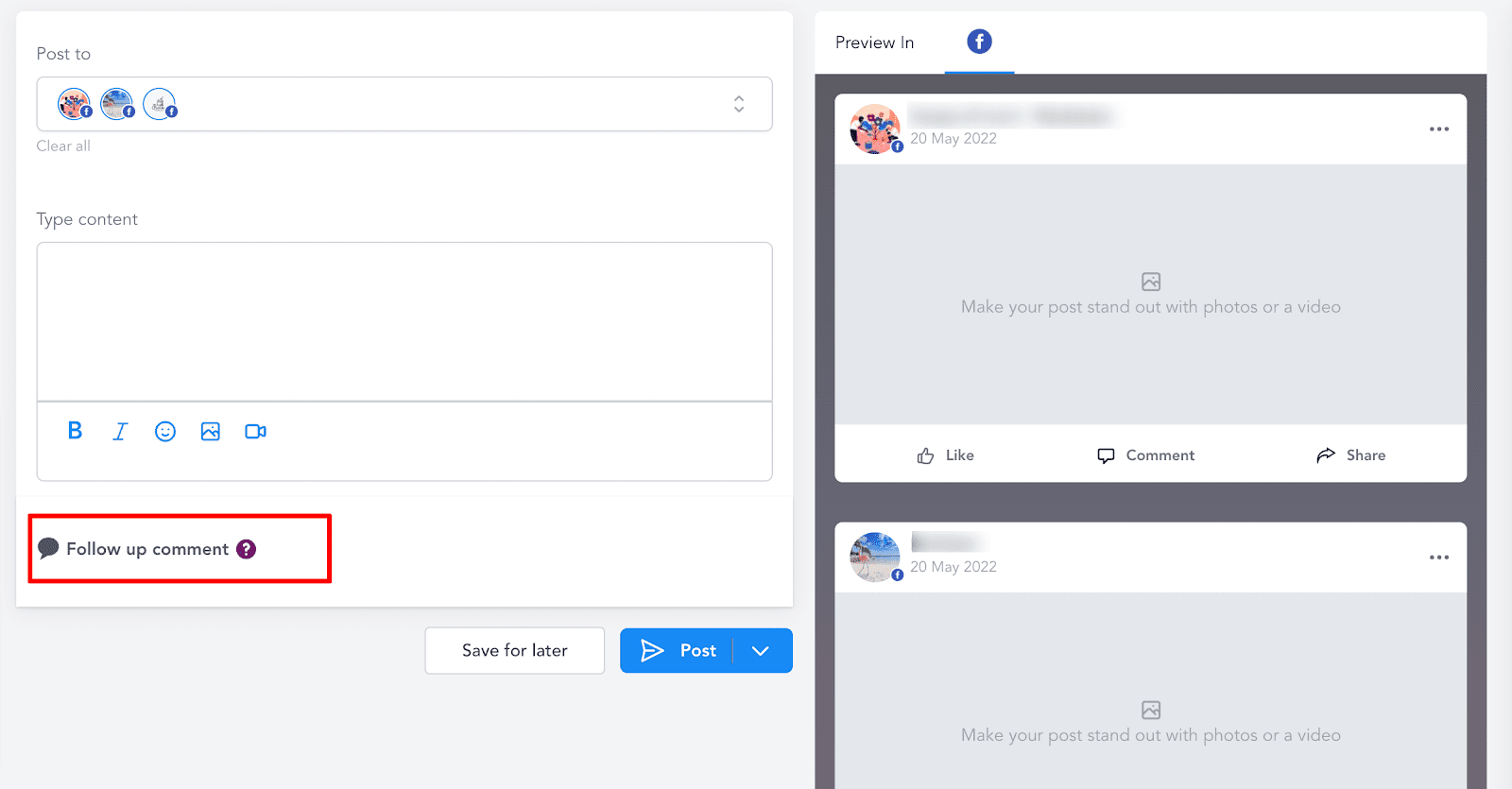
To access the screen below, go to “Marketing” > “Social Planner” > “Add Post” > “Create New Post”
Keep learning