
How to Link Your TikTok Account in GHL Social Planner
Updated March 20, 2024
Managing TikTok content across multiple tools creates unnecessary friction for agencies trying to streamline client social media. By connecting TikTok to GoHighLevel Social Planner, you can schedule and manage TikTok posts alongside all other platforms from a single GHL dashboard.
Social Planner enables users to link their TikTok profiles. Currently, our focus is on linking personal TikTok accounts, with plans to incorporate TikTok business accounts in the near future
Connect TikTok Personal Account
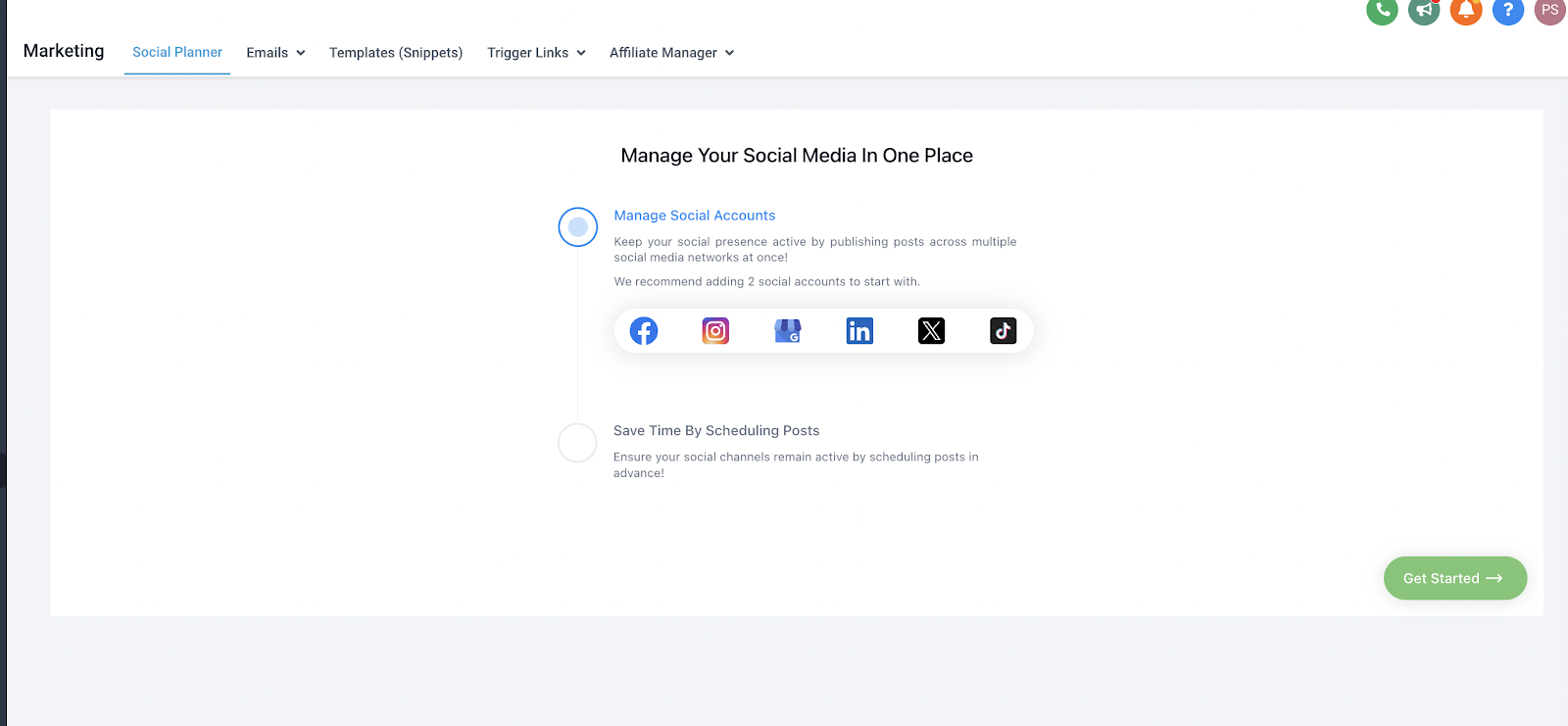
Step 1: First, log into the account, go to Marketing, and click on the Social Planner.
Step 2: On Visiting Social Planner, there will be a wizard with connect option, or after visiting the overview
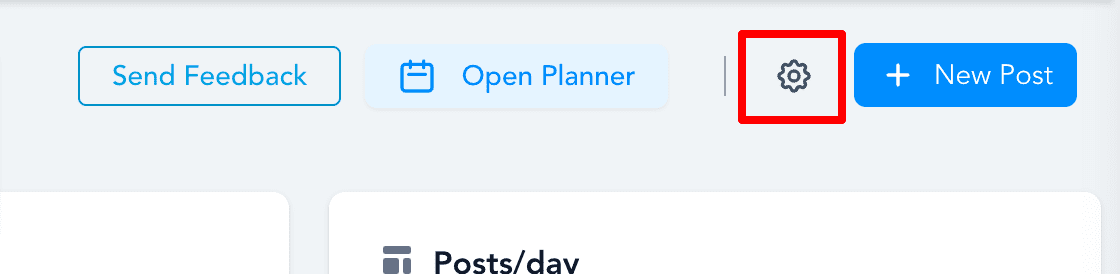
of Social Planner will have a Setting option (Gear icon)
OR
Step 3: After selecting ‘Add Account,’ users will have the option to link both personal and business TikTok accounts
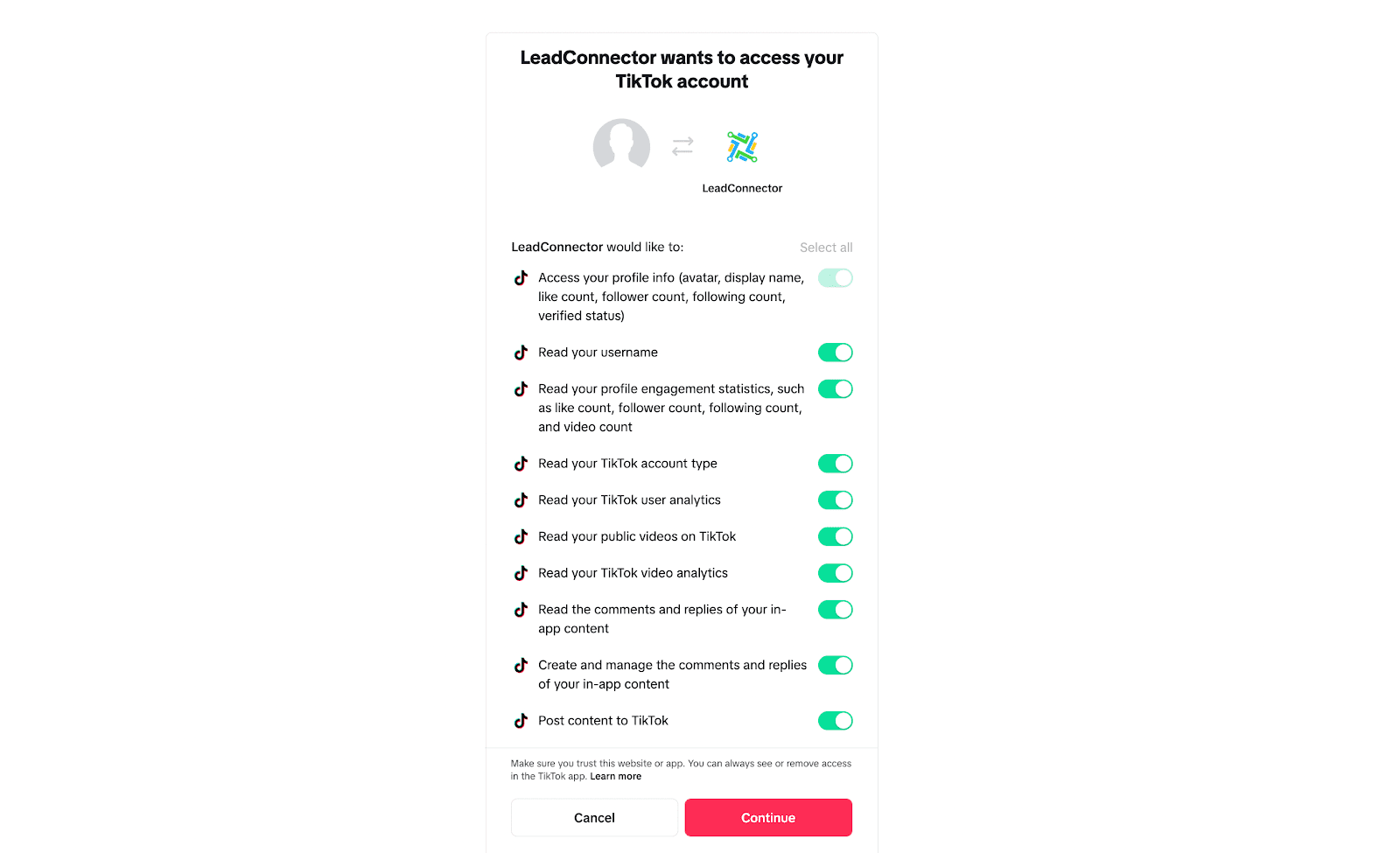
Step 4: Log into the Tiktok Business or Personal Account to integrate for the social planner.
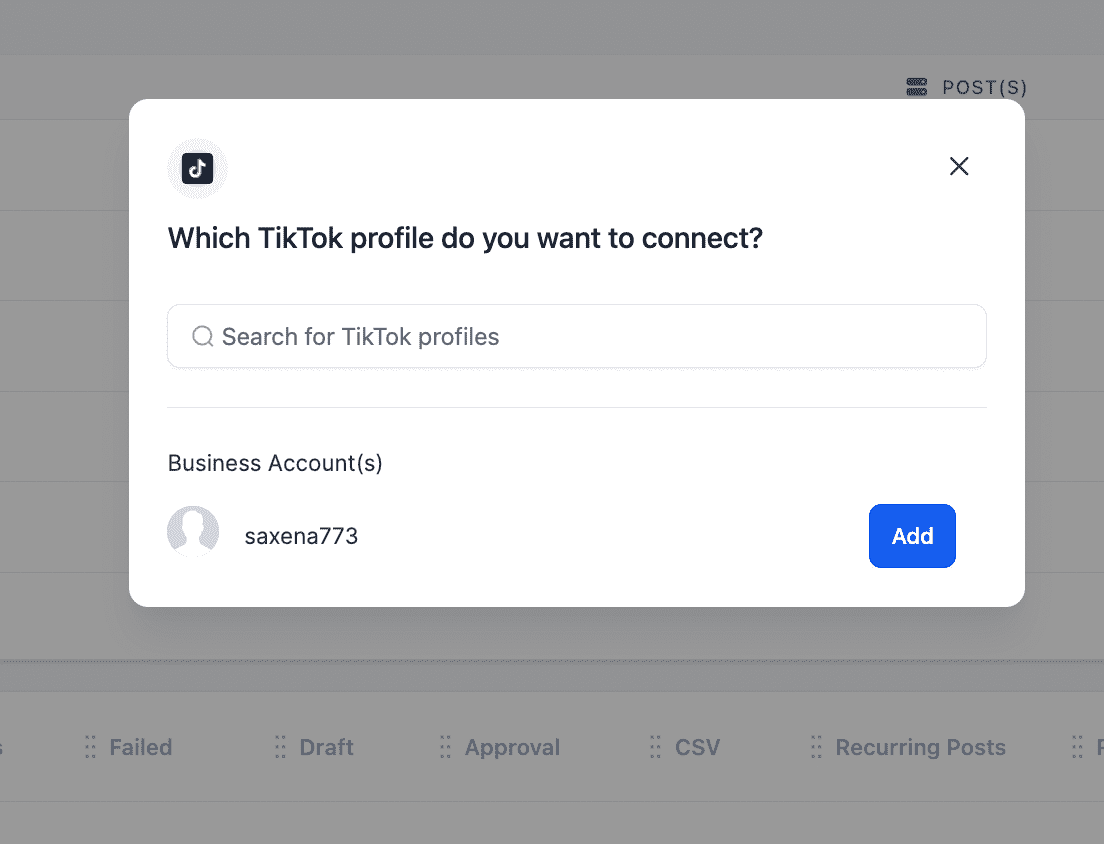
Step 5: Next step is to choose the TikTok account for the Social Planner
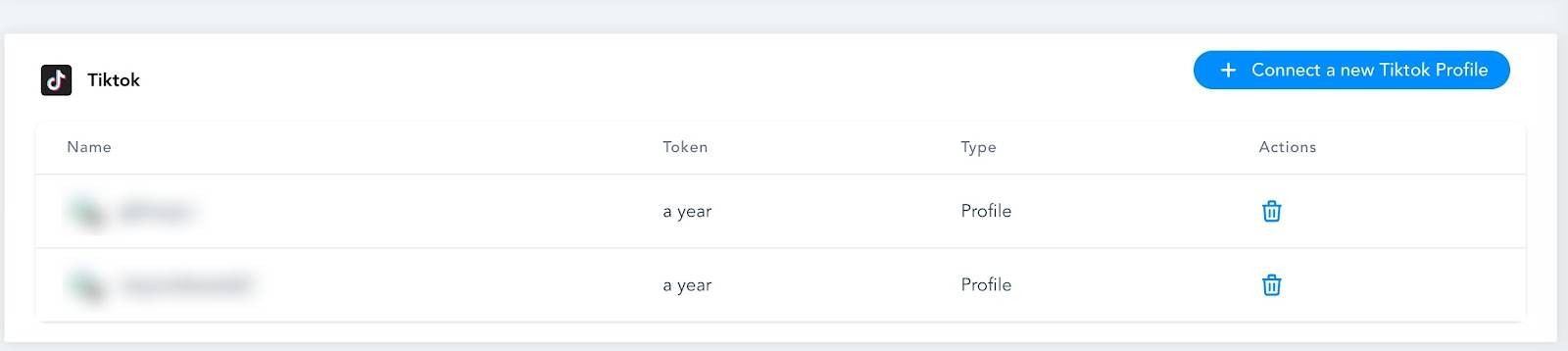
Step 6: You can manage the accounts from the Setting Icon
Keep learning