
How to Select SMS To and From Numbers in GoHighLevel
Updated February 17, 2025
Sending SMS from the wrong number in GoHighLevel can confuse contacts and break conversation continuity. This guide walks you through selecting the correct From and To numbers in the Conversations module, plus how role-level access controls which numbers admins and users can see.
How to select a phone number for sending SMS
1. Navigate to the Conversations module and open the message composer. Click on the SMS tab to start composing your message.
2. Locate the From number dropdown and click the dropdown to view available phone numbers.
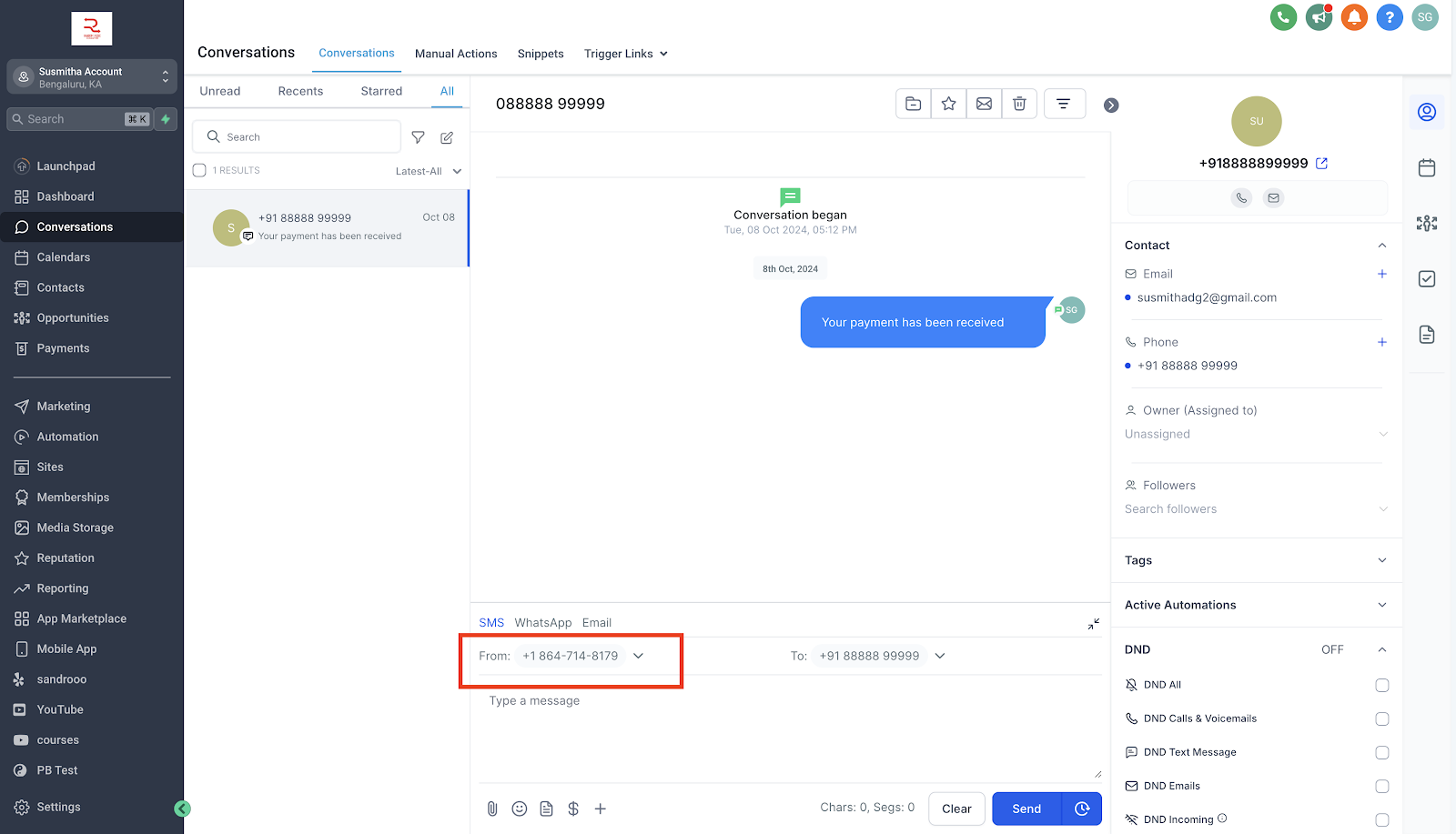
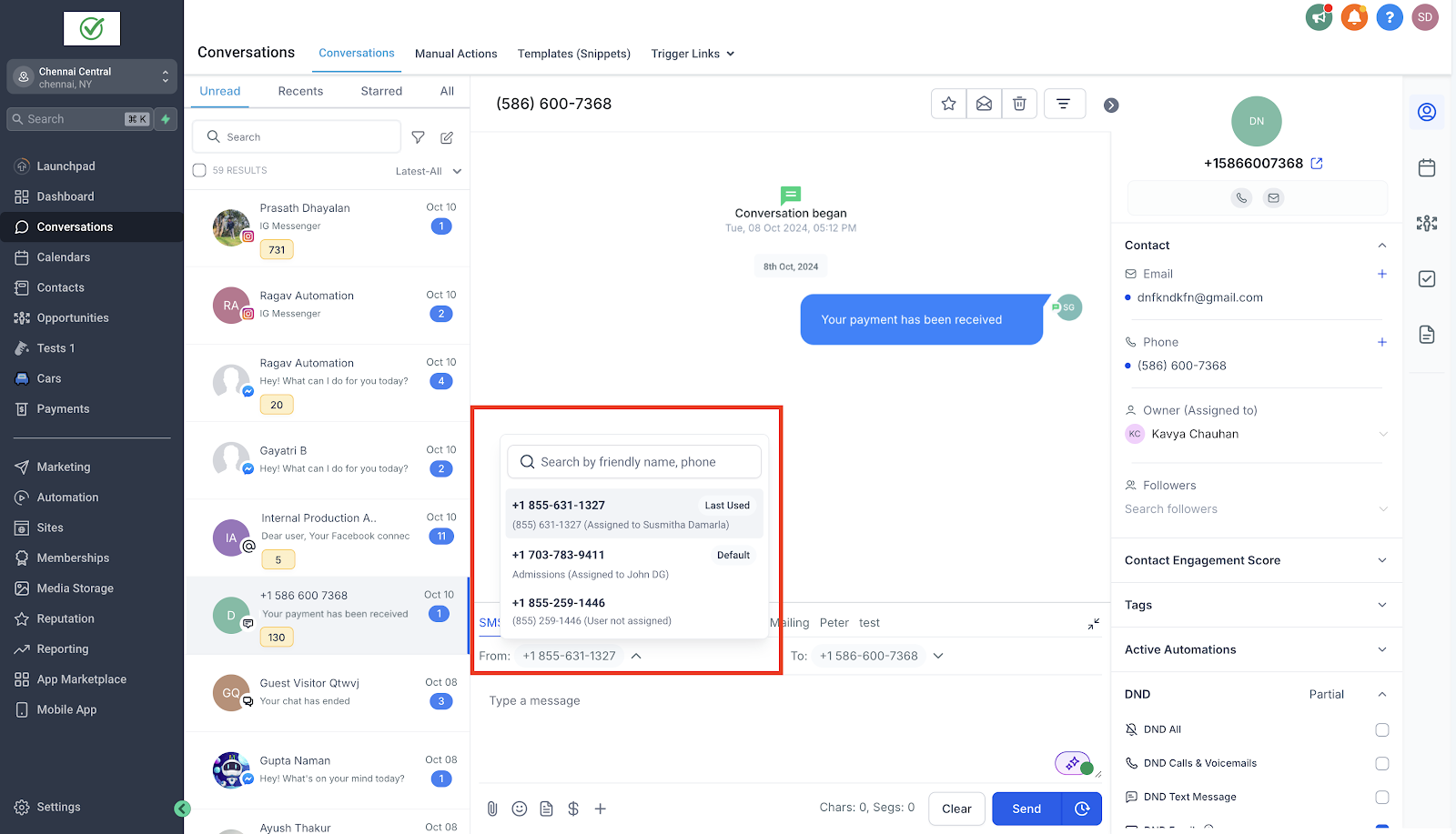
3.When you click the dropdown, you’ll see a list of all available numbers. The number most recently used for messaging the contact will be selected by default. Each number displays its friendly name and the assigned user beneath it. Tags for the default number and the last used number will appear next to their respective options. If no prior conversation exists, the default number will automatically be chosen.
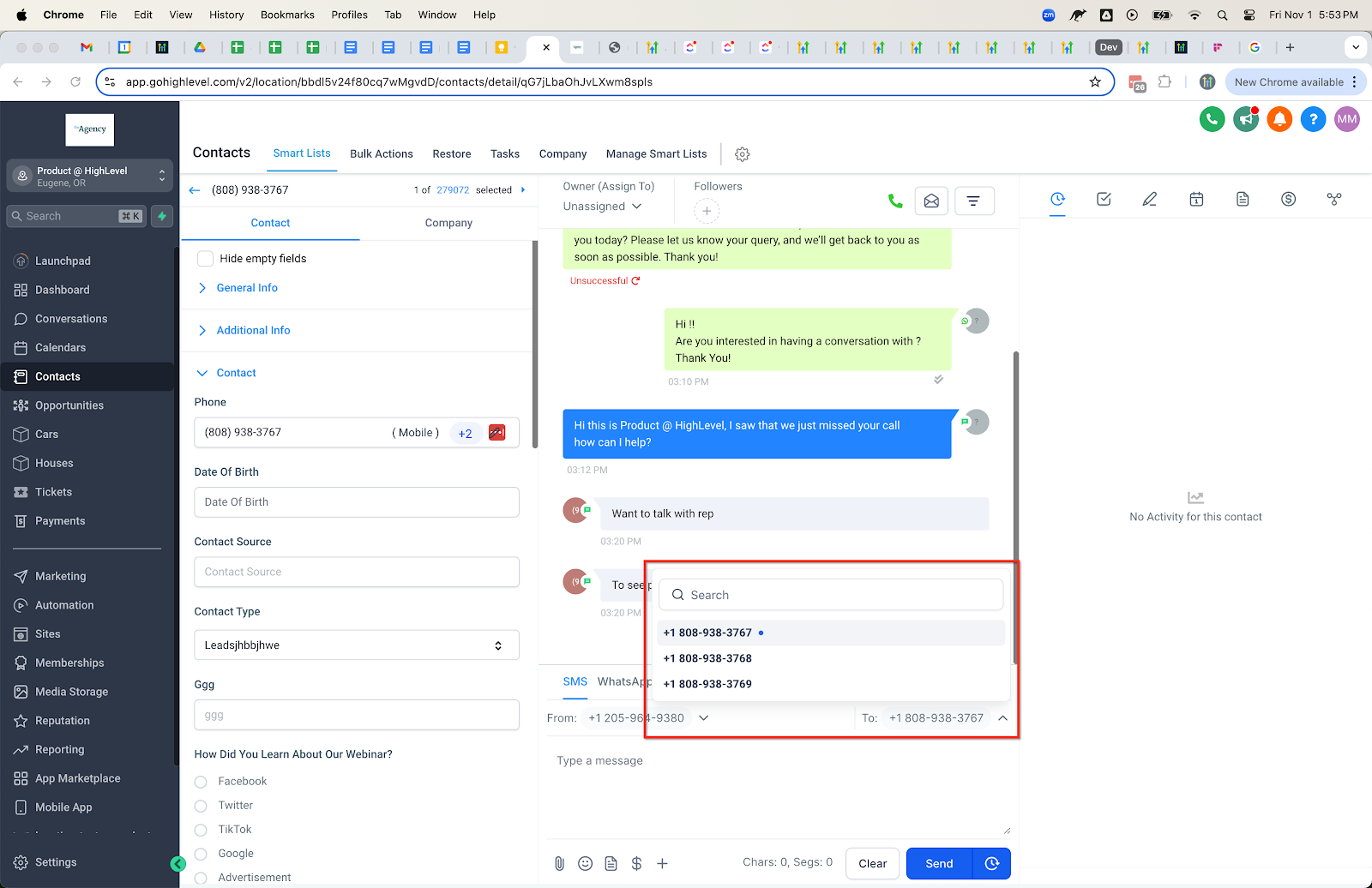
4. If the contact has multiple numbers, click on the dropdown next to the To field and select the appropriate recipient number for the message. If there is no previous conversation, the primary contact number will be selected by default.
Role level access to phone numbers
Admins: Admins can access all the numbers configured in the account.
Users: Users can access
- Default number configured for the account
- Last used number to message the contact
- Numbers that are assigned to the specific user
- Numbers that are unassigned.
Keep learning