
How to Use Bulk Actions for Contacts and SmartLists in GHL
Updated February 13, 2025
Managing thousands of contacts manually in GoHighLevel creates bottlenecks that slow down agency operations and campaign execution. Here you will learn how to run bulk actions across contacts and SmartLists, understand rate limits for each mode, and schedule actions up to 30 days in advance.
Bulk Action Status
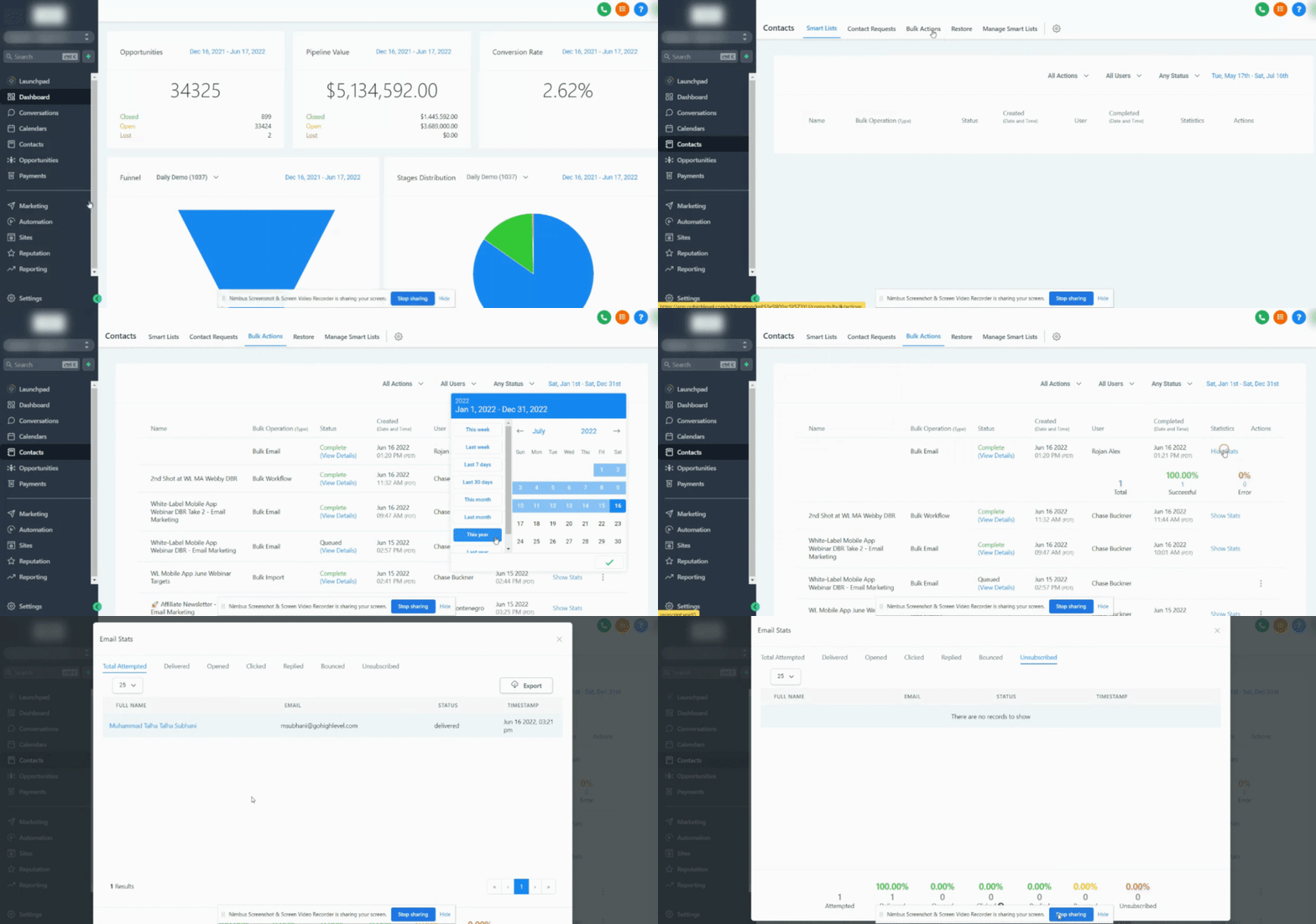
To check the status of a Bulk Action, navigate to Contacts > Bulk Actions > Click on the three-dot menu, where you can view the status and/or pause the action.
Rate limits for:
Add in drip mode:
- Frequencies of 30 sec – 1 min: 1,000 messages per minute
- Frequencies of 5 min: 4,999 messages per minute
- Frequencies of 6 min – 10min: 5,000 messages per minute
- Frequencies of Above 10 min: 10,000 messages per minute
Add all at once & Add all at a scheduled time (except Bulk Email)
- 0 to 25k contacts -> 60K contacts processed per hour
- 25k to 50k contacts -> 30K contacts processed per hour
- 50k to 100k contacts -> 24K contacts processed per hour
- 100k contacts and above -> 18K contacts processed per hour
Add all at once & Add all at a scheduled time (except Bulk Email)
- 60K contacts processed per hour
Scheduling bulk actions
Bulk Actions cannot be scheduled to run more than 720 hours in the future (approximately 30 days)
Keep learning