
How to Connect ServiceTitan and GoHighLevel Using Zapier
Updated March 10, 2025
Manually transferring data between ServiceTitan and GoHighLevel wastes time and introduces costly errors that slow business growth. Follow this step-by-step guide to build a Zapier automation that syncs both platforms seamlessly, so your team can focus on closing jobs and converting leads.
Do you find yourself wasting time manually transferring data between ServiceTitan and HighLevel? Imagine if there were a way to automate this process effortlessly.
ServiceTitan is an essential tool for managing service business operations, while HighLevel helps generate leads and attract new customers. Both platforms are crucial for growing and scaling your business, but manually moving data between them can be tedious and error-prone.
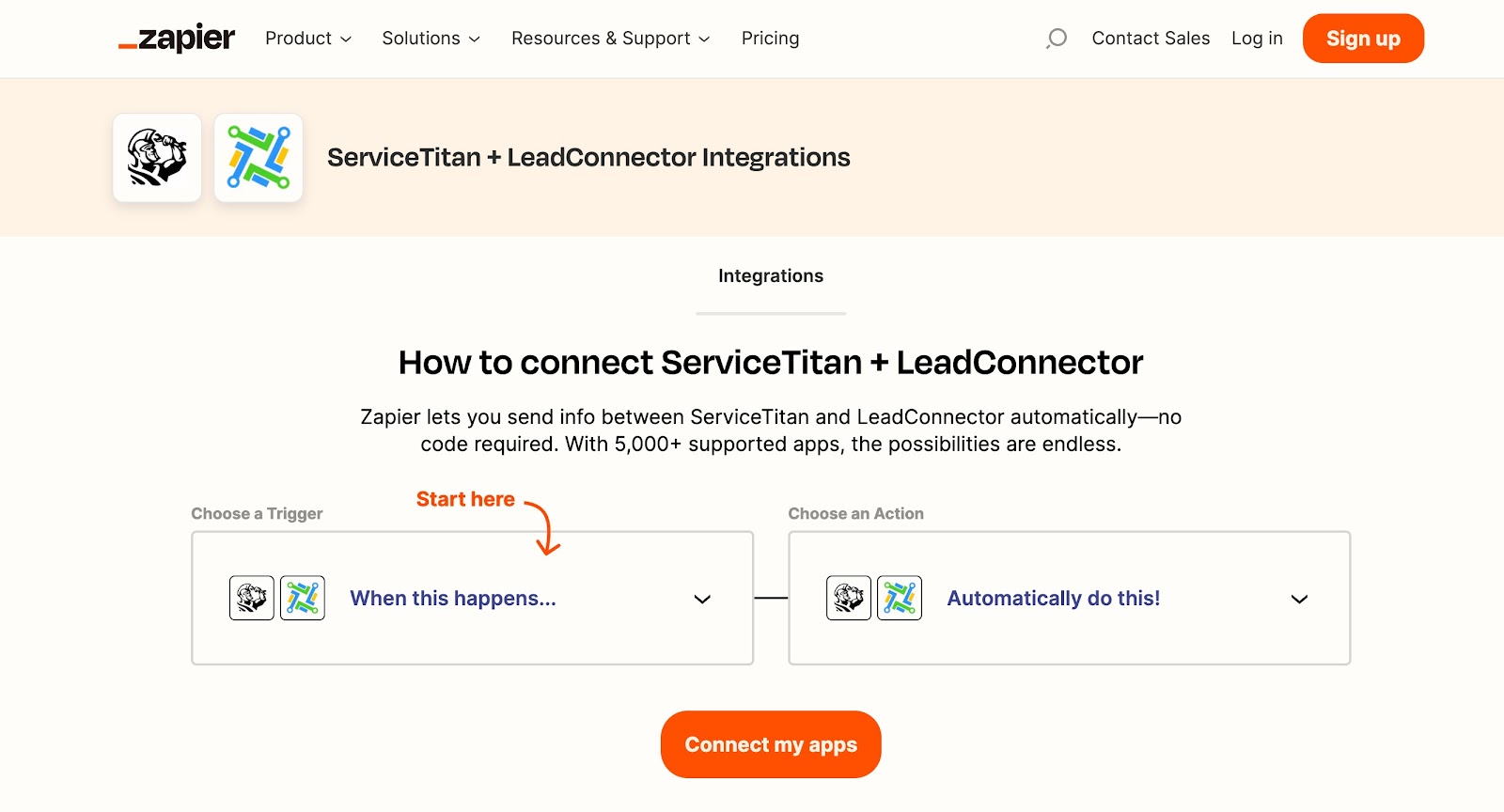
The great news? There’s a smarter way—Zapier. This powerful automation tool seamlessly connects ServiceTitan and HighLevel, eliminating manual data entry and streamlining your workflow.
In this article, we will walk you through the steps to connect ServiceTitan and HighLevel using Zapier, so you can save time and focus on growing your business.
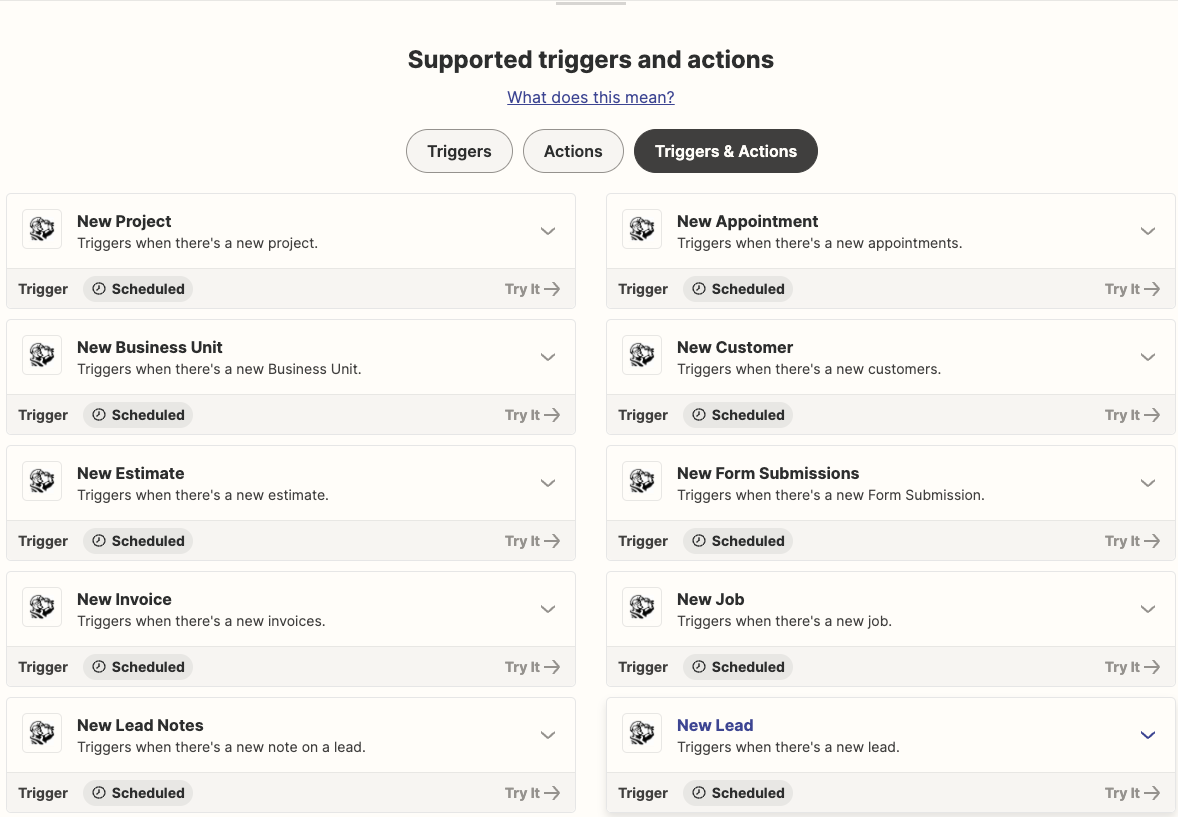
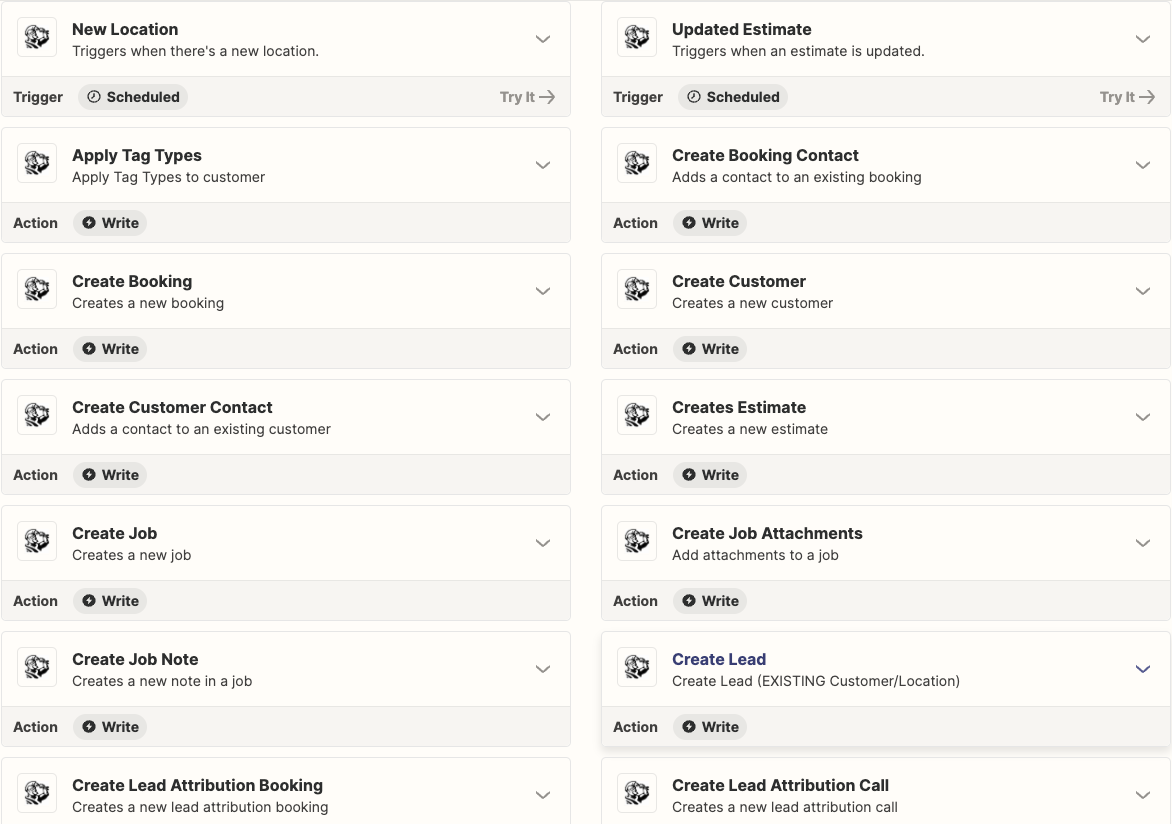
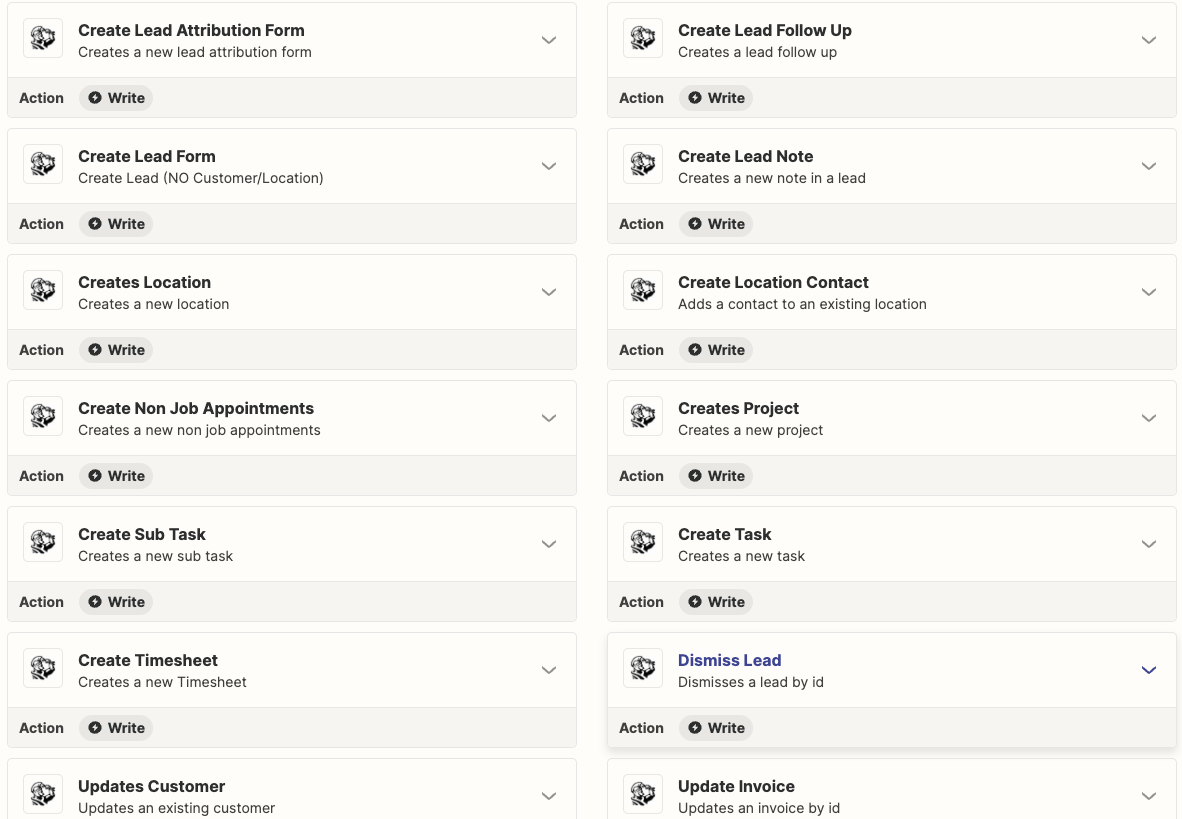
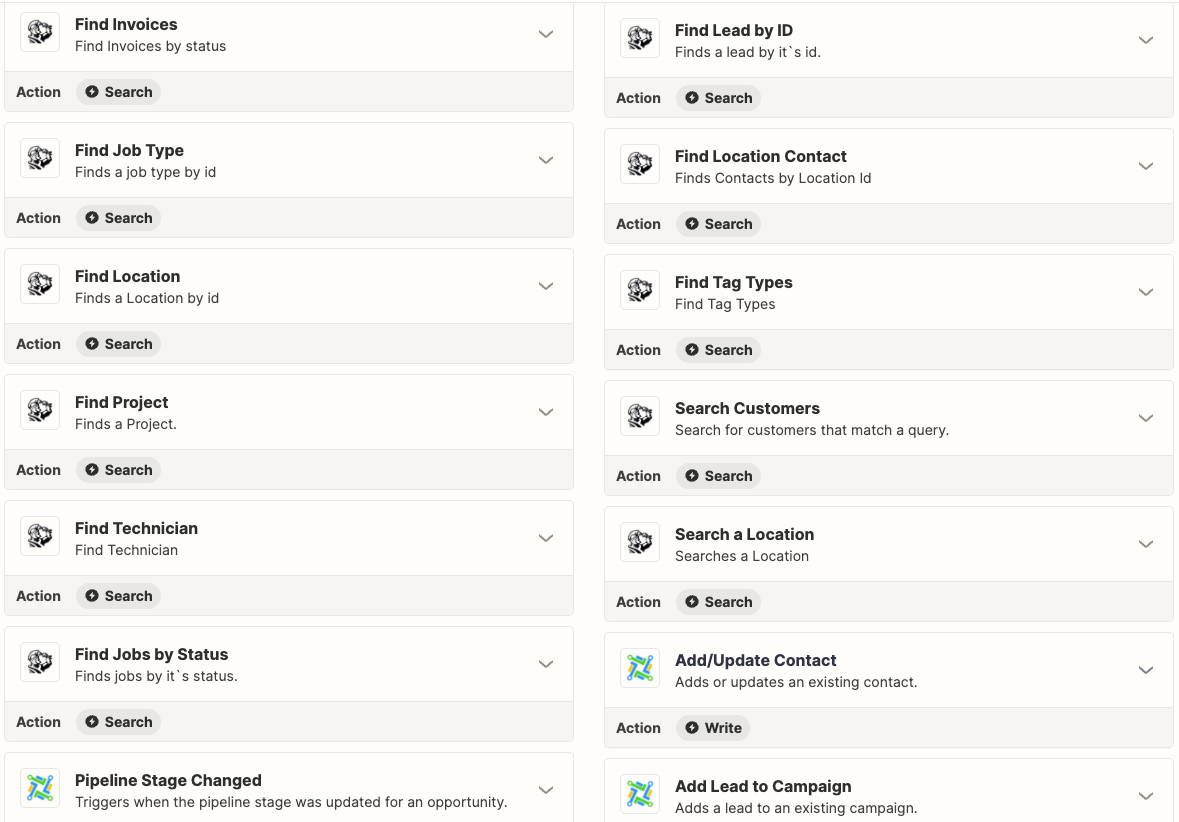
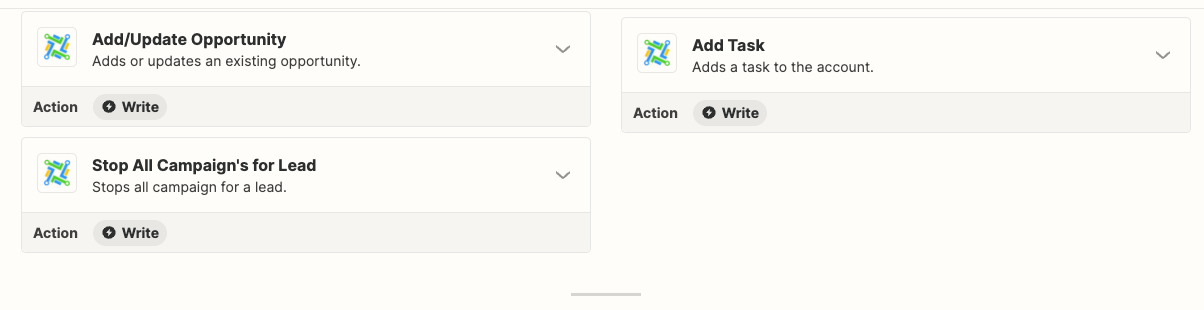
Support List of Triggers & Actions Available

Keep learning