
How to Hide Email Elements on Mobile or Desktop in GoHighLevel
Updated February 21, 2025
Displaying the same email layout across all devices can hurt readability and engagement for your agency's campaigns. Using GoHighLevel's drag-and-drop email editor, you'll learn how to hide specific elements on mobile or desktop and preview the results before sending.
How to Hide Elements for Mobile and Desktop view
1. After creating the Email Template or Campaign, navigate to the drag-and-drop email editor view.
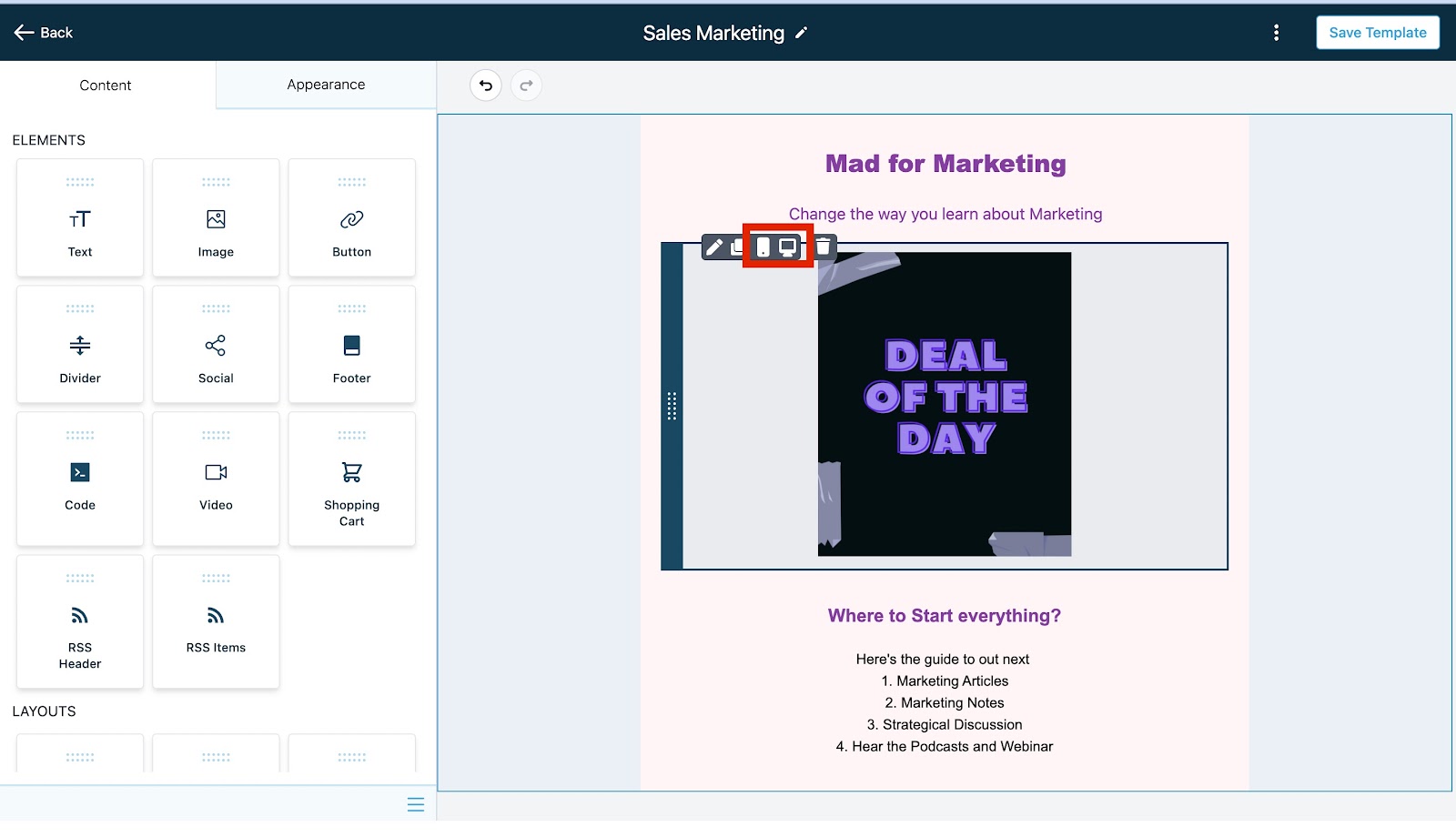
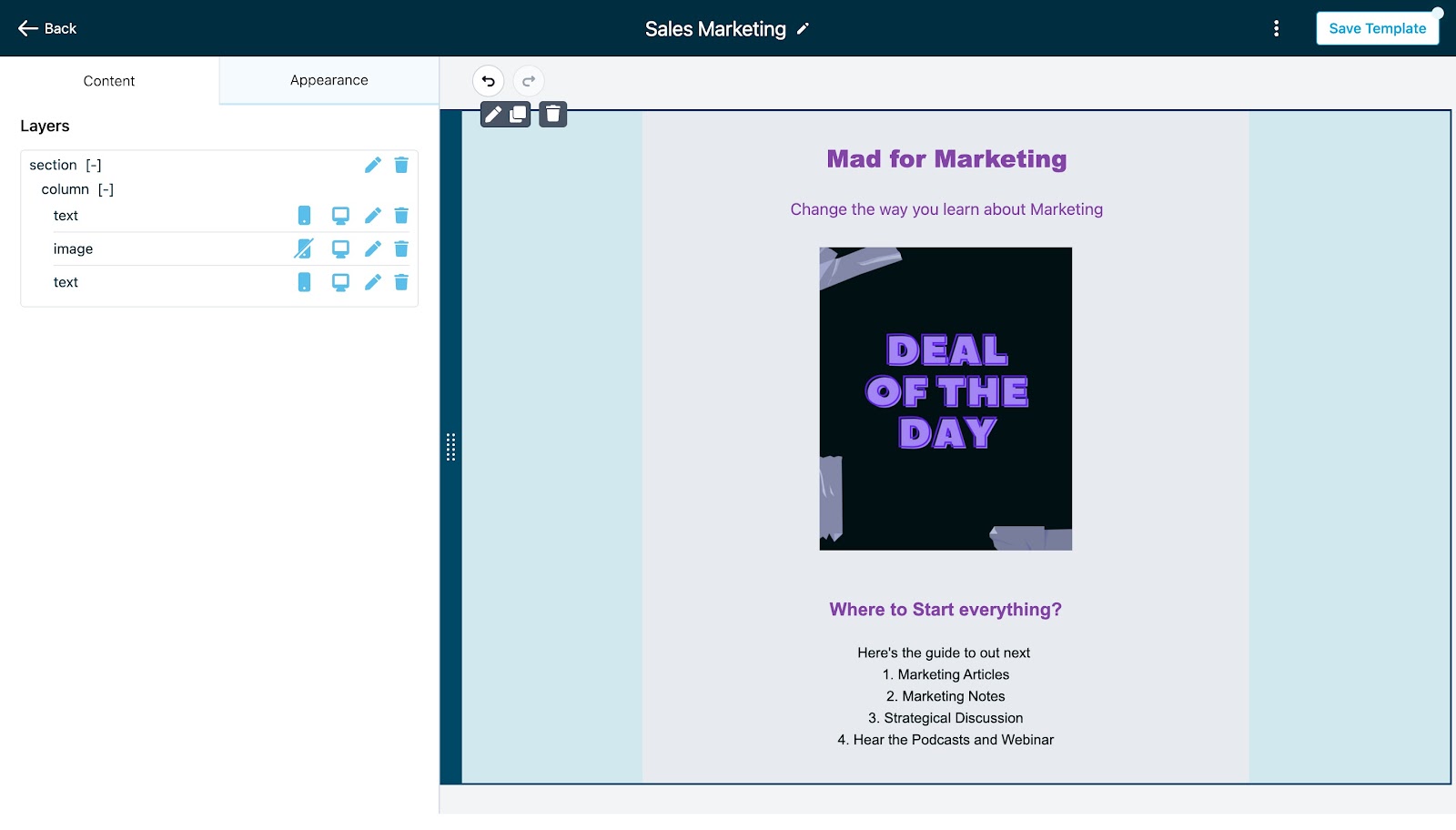
2. Edit the element and on hover, it will show the action to hide it on mobile or desktop.
Previewing and Testing the email
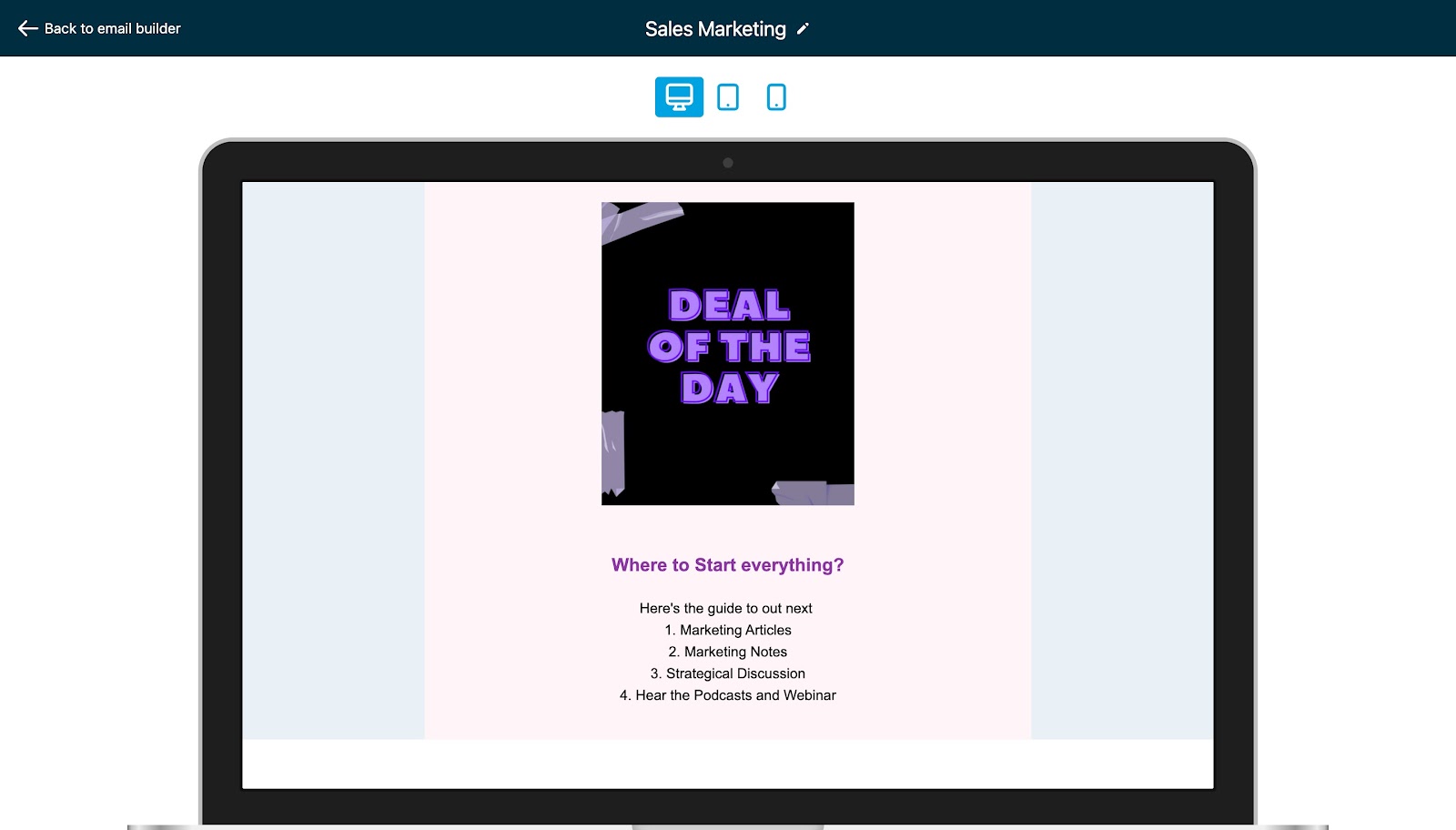
3. Save the Email template or campaign, preview, or send a test email to test it out.

Keep learning