
How to Use the Task Completed Trigger in GHL Workflows
Updated April 12, 2024
Without automated follow-up, completed tasks in GoHighLevel often mark the end of a process rather than the start of the next one. By configuring the Task Completed workflow trigger with filters for assigned user, contact, and custom fields, you can build seamless handoffs and post-task automations that keep pipelines moving.
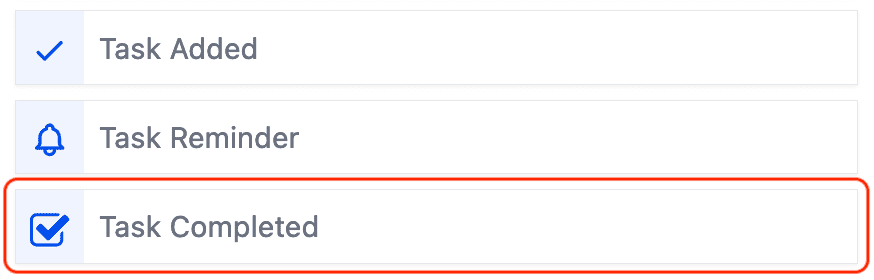
Runs when a task is completed
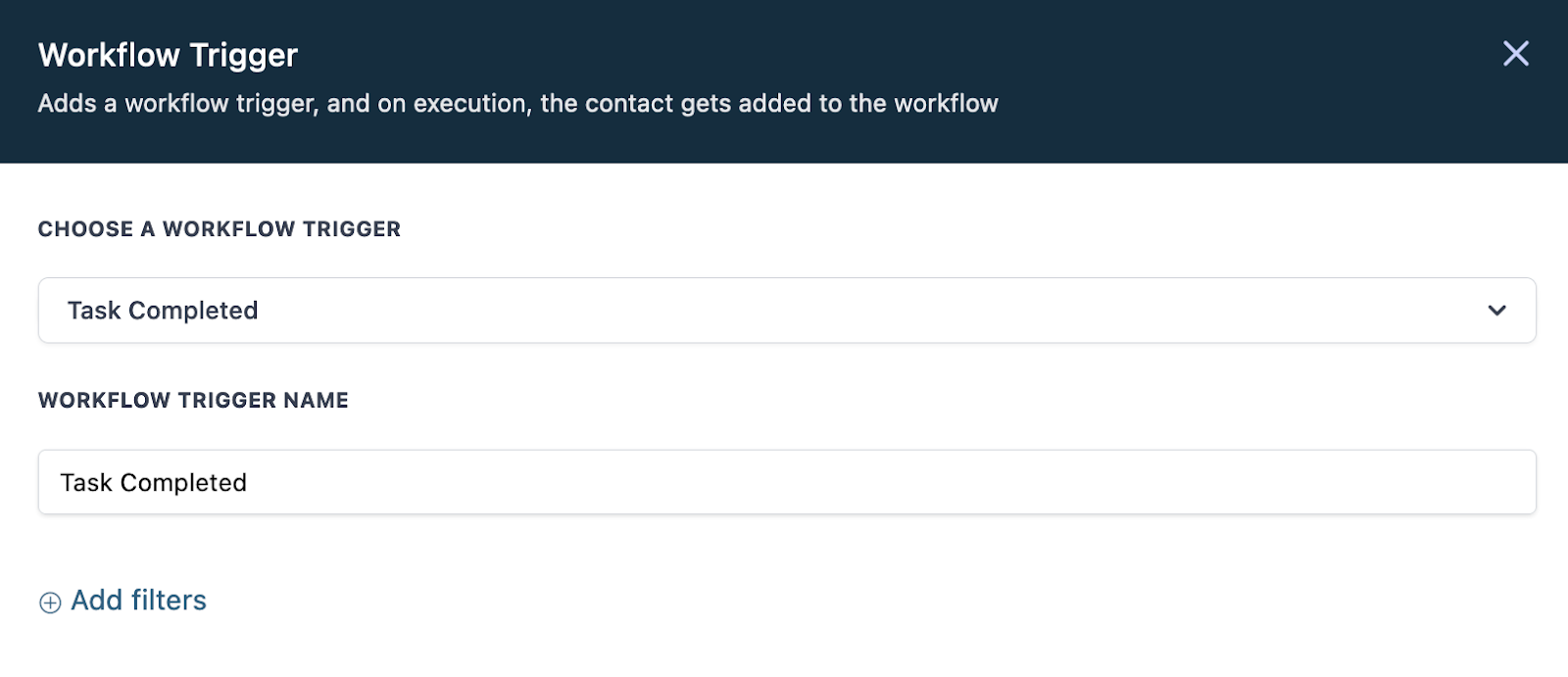
Supported Filters:
- Assigned User
- Contact Custom Fields
Keep learning