
Every GoHighLevel Workflow Action Explained: The Full List
Updated January 19, 2023
Building powerful automations in GoHighLevel requires knowing every action available to you — and with dozens of options across communications, CRM, and integrations, it's easy to miss critical tools. This guide covers the complete list of GoHighLevel workflow actions so you can design smarter, more effective automation sequences.
Within the Workflow Builder, you can add multiple actions to fire off in a series based on one or more triggers.

Click the + icon anywhere in the Workflow to add an action.
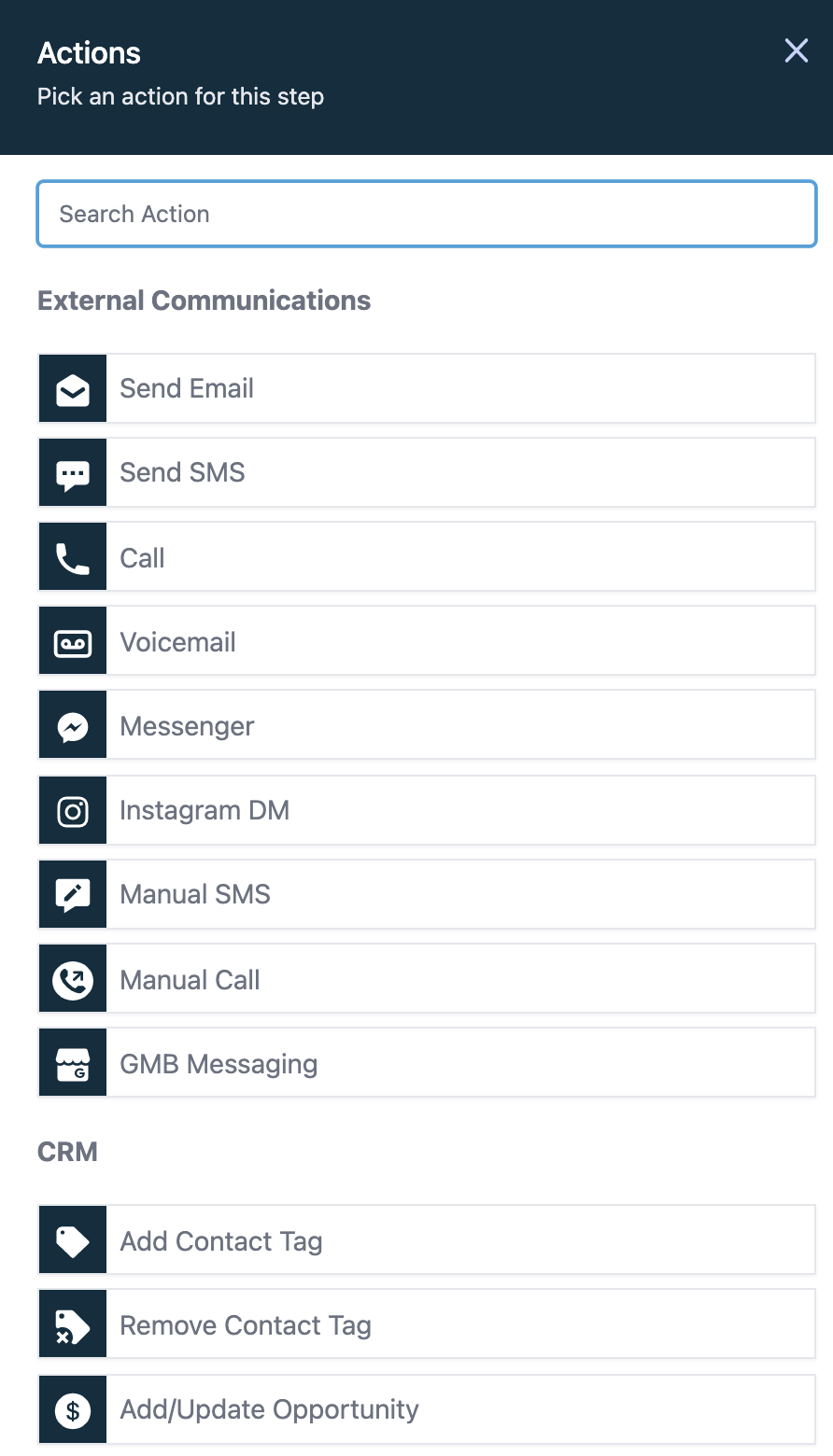
Below is a complete list of available actions:
External Communications
- Send Email
- Send SMS
- Call
- Voicemail
- Messenger
- Instagram DM
- Manual SMS
- Manual Call
- GMB Messaging
CRM
- Add Contact Tag
- Remove Contact Tag
- Create/Update Opportunity
- Add To Notes
- Assign To User
- Remove Assigned User
- Set Event Start Date
- Add To Workflow
- Remove From Workflow
- Remove From All Workflows
- Remove Opportunity
- Send Internal Notification
- Set Contact DND Edit Conversation
- Send Review Request
- Stripe One Time Charge
- Update Appointment Status
- Add Task
- Eliza AI Appointment Booking Bot
- Add to Google Analytics
- Add to Google Adwords
- Update Contact Field
- Facebook – Add To Custom Audience
- Facebook – Remove From Custom Audience
- Facebook – Conversion API
Membership Actions
- Membership Grant Offer
- Membership Revoke Offer
Conditions and Workflow
- If/Else
- Wait
- Webhook
- Go To
- Math Operation
Keep learning