
Why GoHighLevel Doesn't Copy Tracking Code When You Clone a Page
Updated May 2, 2024
Cloning a funnel step or website page in GoHighLevel can leave you wondering why your tracking code did not carry over to the new page. This article explains the deliberate reasons behind this behaviour and what you need to do to set up tracking correctly on your cloned pages.
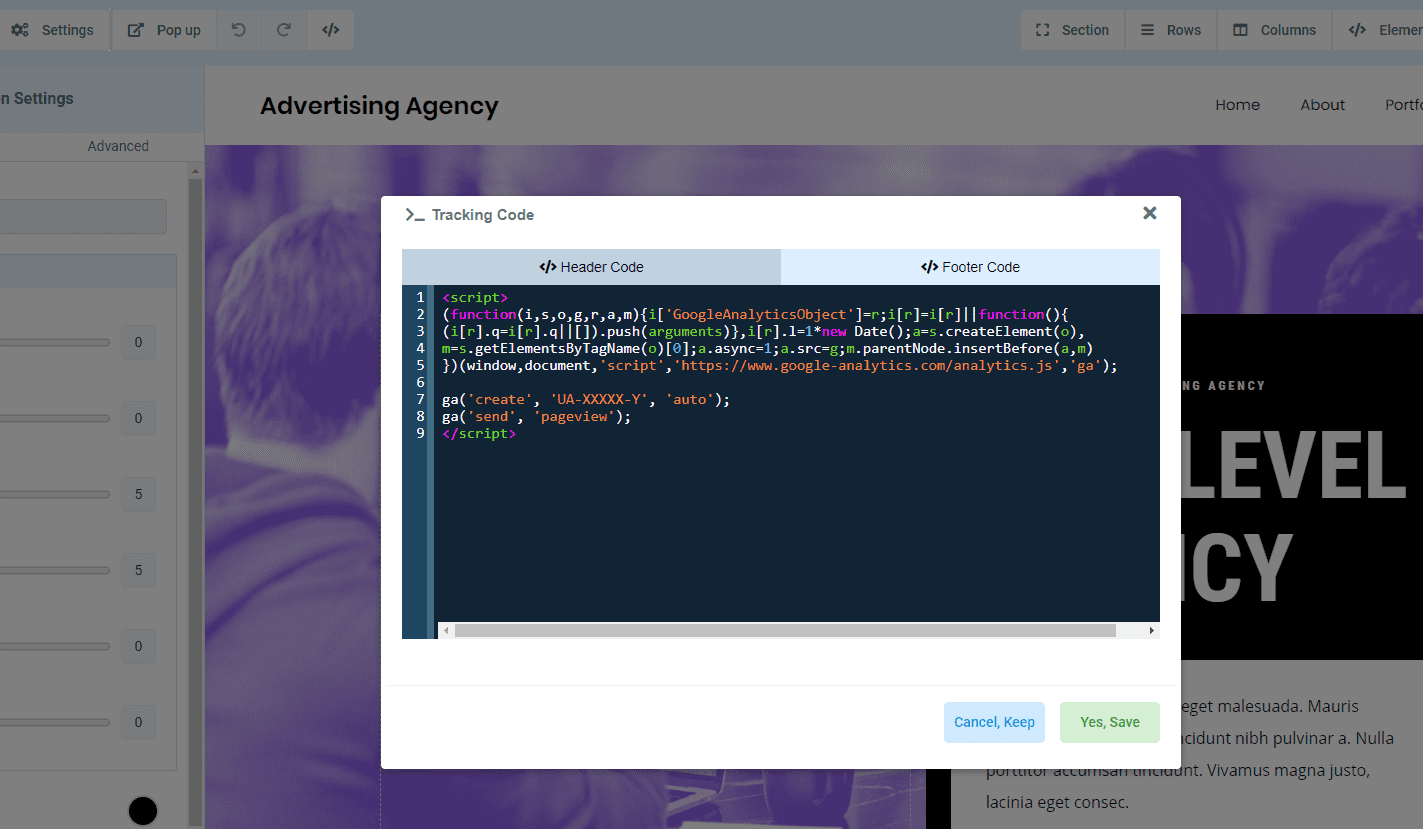
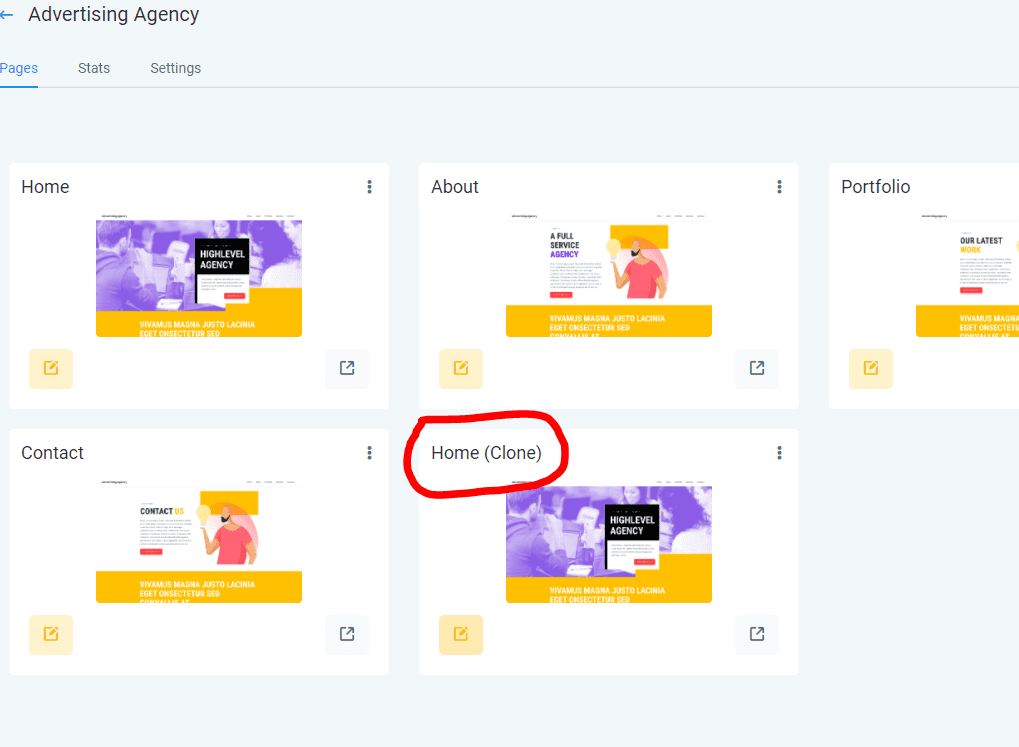
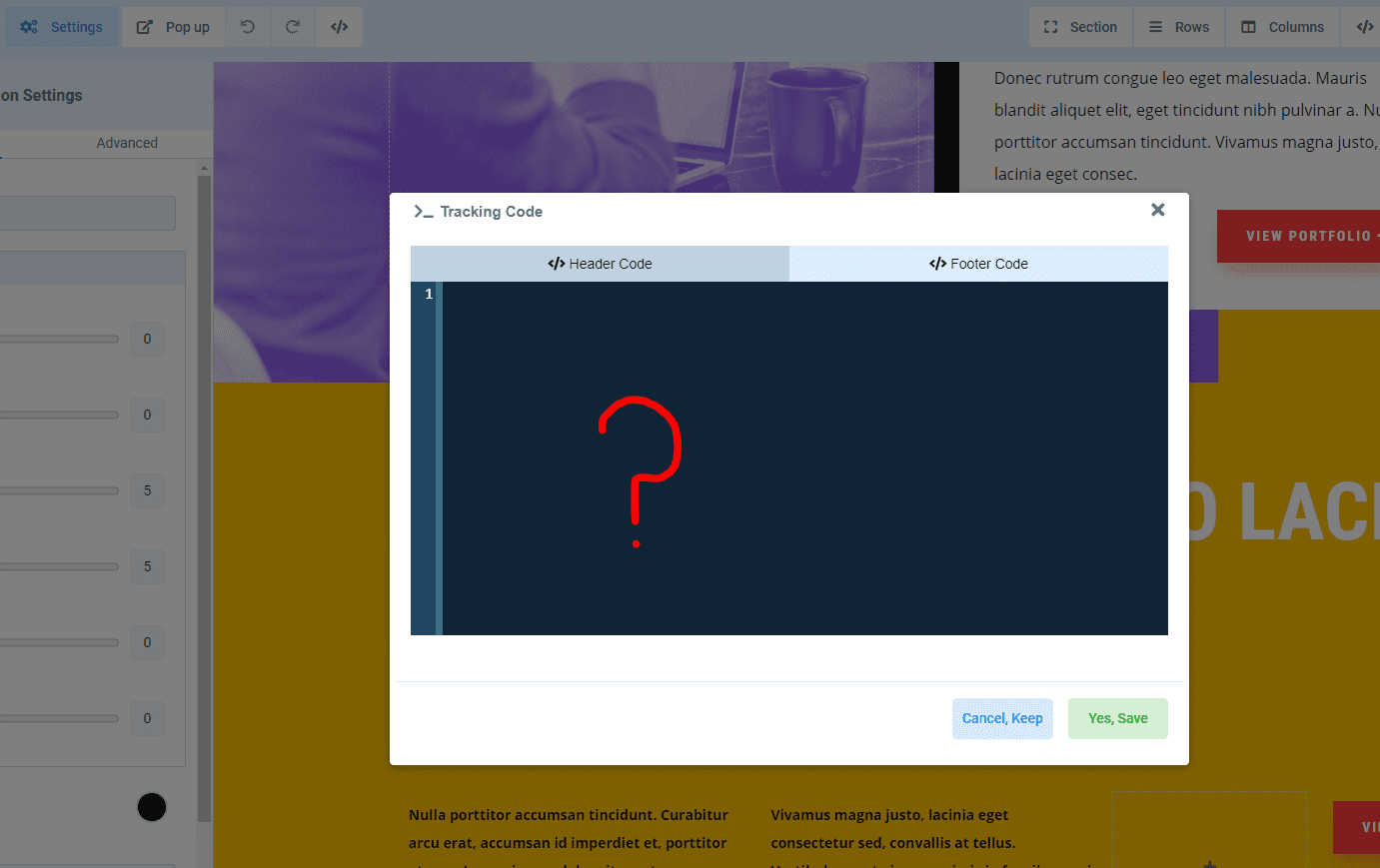
Tracking code does not get copied when you copy a step in a funnel or when you copy a page of a website, why?
Parent Page:
Cloning:
Cloned Page:
Reason:
Each tracking code is tailored to a specific page, but users might encounter issues stemming from multiple tracking instances or events originating from incorrect pages. These challenges often arise when outdated tracking codes from previous funnels linger unnoticed.
Additionally, individuals often distribute their funnels across various locations or agencies, and I believe they wouldn’t appreciate their tracking code being shared in the process.
Keep learning