
Where Do GoHighLevel Form Responses Actually Show Up?
Updated August 12, 2024
Many GoHighLevel users submit their first form only to find themselves unsure where the collected data actually goes. This guide shows you exactly how to locate form submissions inside the Submissions dashboard and on individual Contact Detail pages.
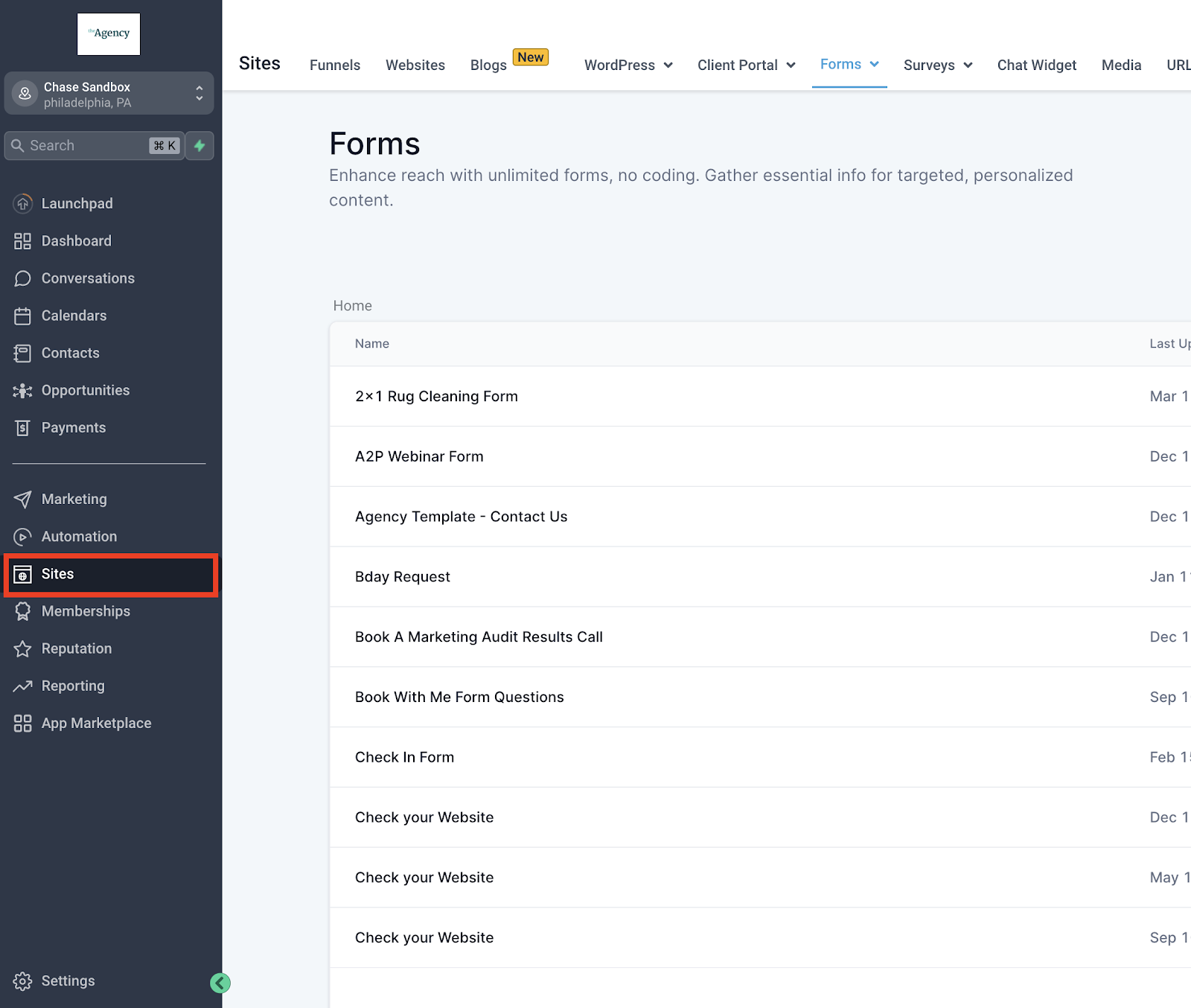
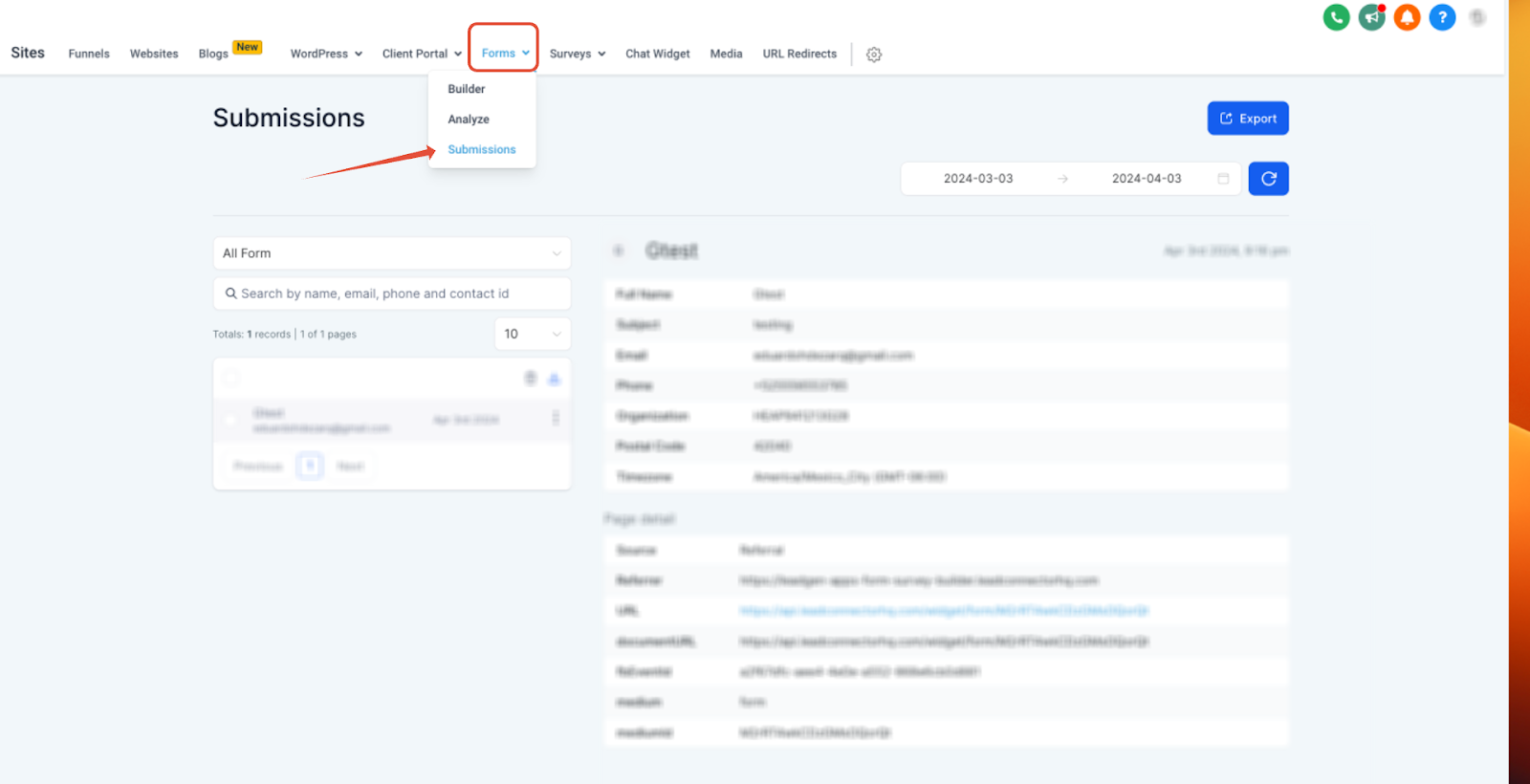
Forms are designed to collect data from individuals who complete and submit them. To access this data, go to “Sites” > “Forms” (located at the top of the screen) > “Submissions.” From there, you can filter or search through the submissions to review the details provided in each form.

If you have custom fields in your forms, they will also appear on the Contact Details page. You can view this by going to “Contacts” and either searching for or selecting a contact from the list.
Keep learning