
How to Find Your Group Calendar ID in GoHighLevel
Updated April 1, 2024
Without the correct Calendar ID, embedding or automating a Group Calendar in GoHighLevel quickly becomes a guessing game. This guide shows you exactly where to find the unique identifier inside Sub-account Settings and how to extract it from the embed code or URL.
Discover your unique calendar identifier by navigating to your Sub-account Settings > Click on ‘Calendar Code‘ > Filter for your specific Calendar > Click on the copy ‘Embed Code‘ or ‘URL‘ button
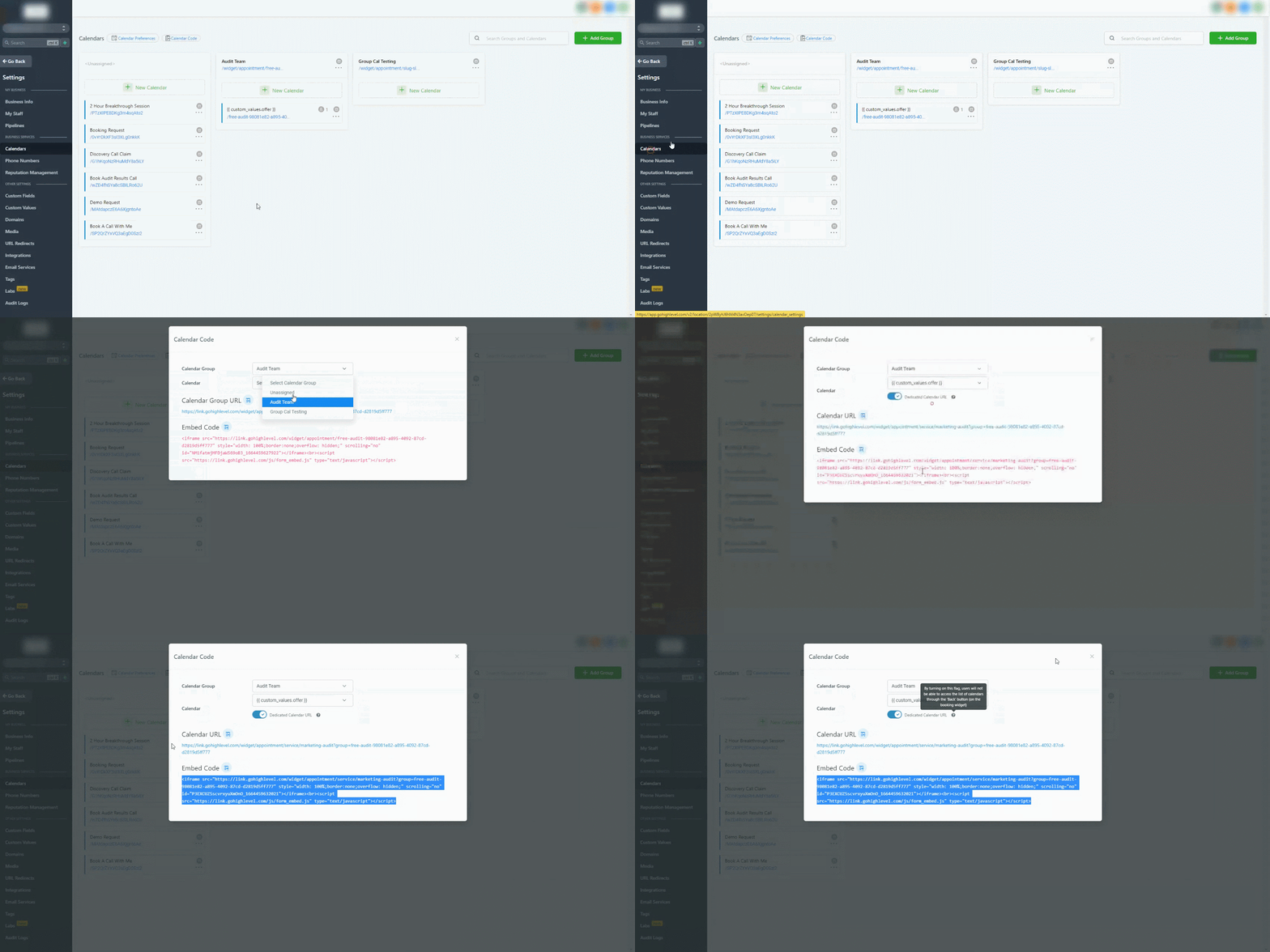
The ‘Calendar Code’ Button is located next to the ‘Calendar Preferences’ button
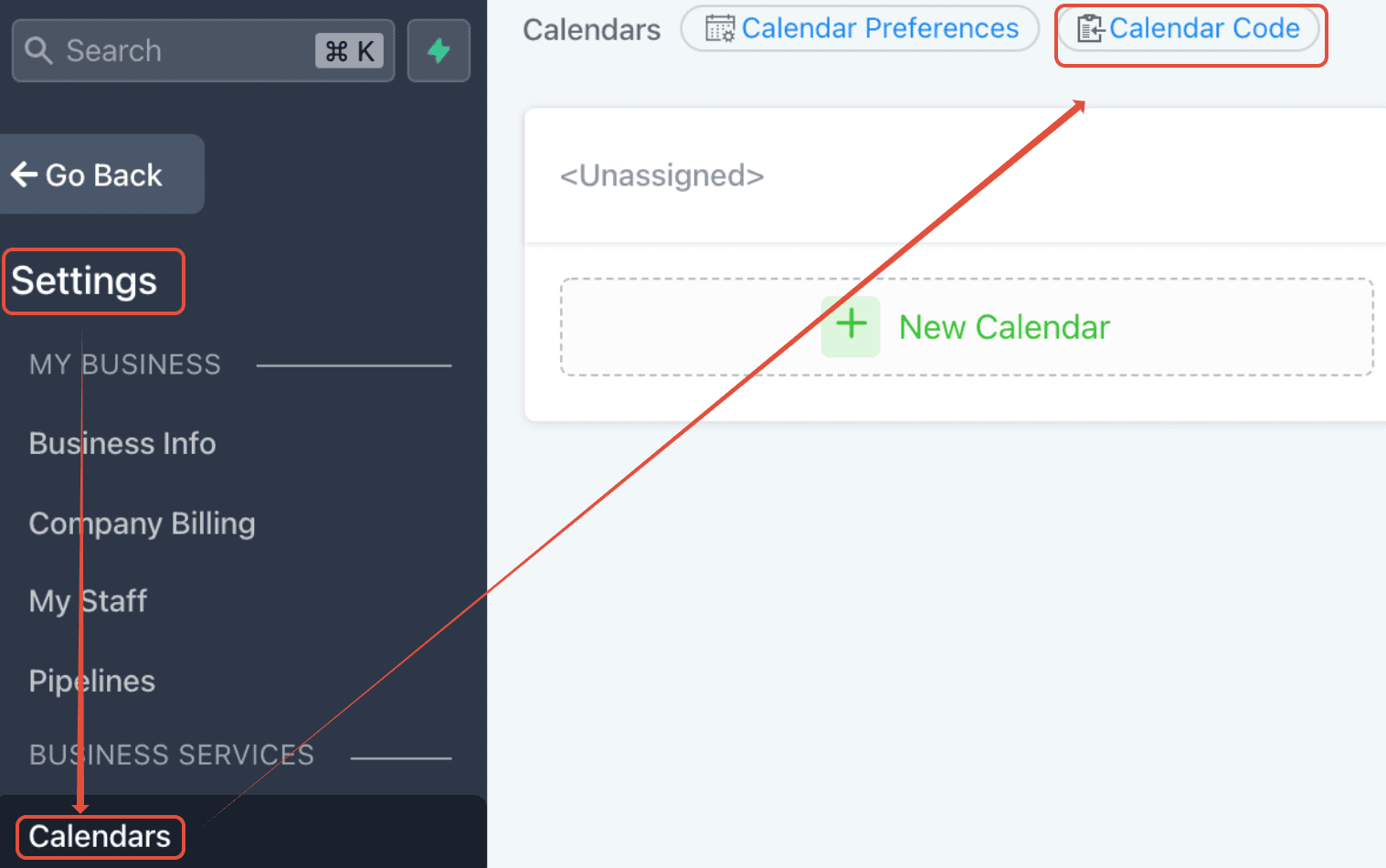
The highlighted code is the Calendar ID for the Group Calendar:
<iframe src=”https://msgsndr.com/widget/appointment/service/testuser3?group=user” style=”width: 100%;border:none;overflow: hidden;” scrolling=”no” id=”FWBwdKwZJ8eMLMzucdLS_1642802907092″></iframe><br><script src=”https://msgsndr.com/js/form_embed.js” type=”text/javascript”></script>
FAQ
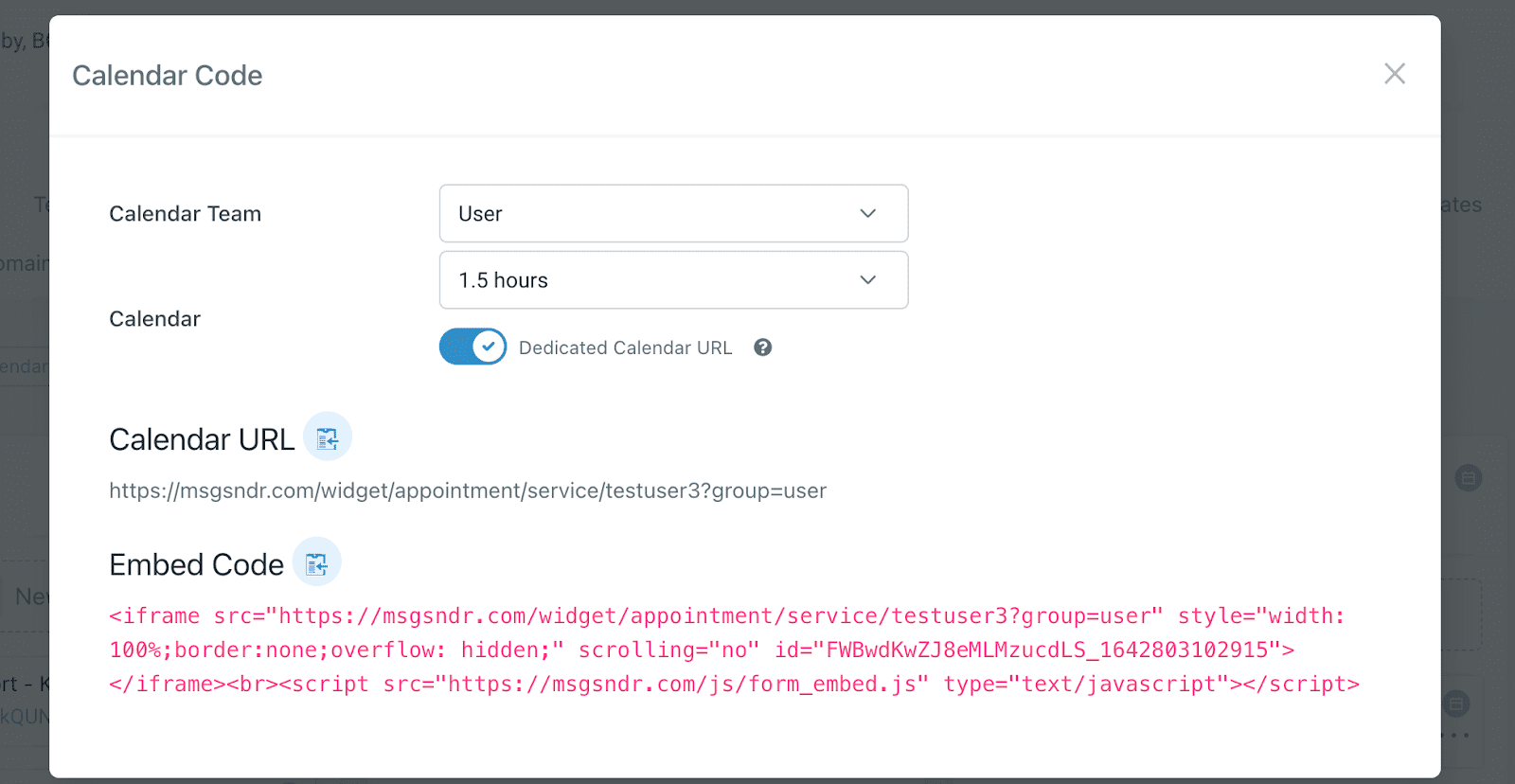
What does the Dedicated Calendar URL do?
By activating this feature, users will be unable to navigate back to the calendar list using the ‘Back’ button within the booking widget.
Keep learning