
How to Set Up the Course Completed Trigger in GHL Workflows
Updated January 19, 2023
Without the right automation, membership course completions go unacknowledged and opportunities for follow-up are missed. Using the Course Completed workflow trigger in GoHighLevel, you'll configure category-level automations that personalise and streamline your members' learning journey.
Within the Workflow builder, you can create a trigger to run when a category within a specific product is completed. This will allow you to set specific automation for your membership section, customizing and automating this experience.
Step 1: Creating and Editing the Trigger
- Navigate to Workflows
- Create a new Workflow or click into an existing one
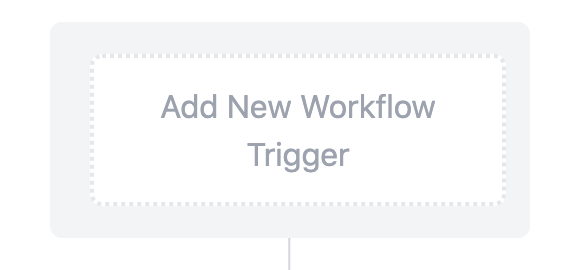
- Click “Add New Workflow Trigger”
- Name your Workflow Trigger
- Select “Category Completed” under the Membership triggers section of the dropdown.

- Choose your desired Filter(s).
- NOTE: If you don’t select filters, this will run for any category completed. If you filter more specifically, you can choose to have the Workflow run when a specific product’s course and category are completed.
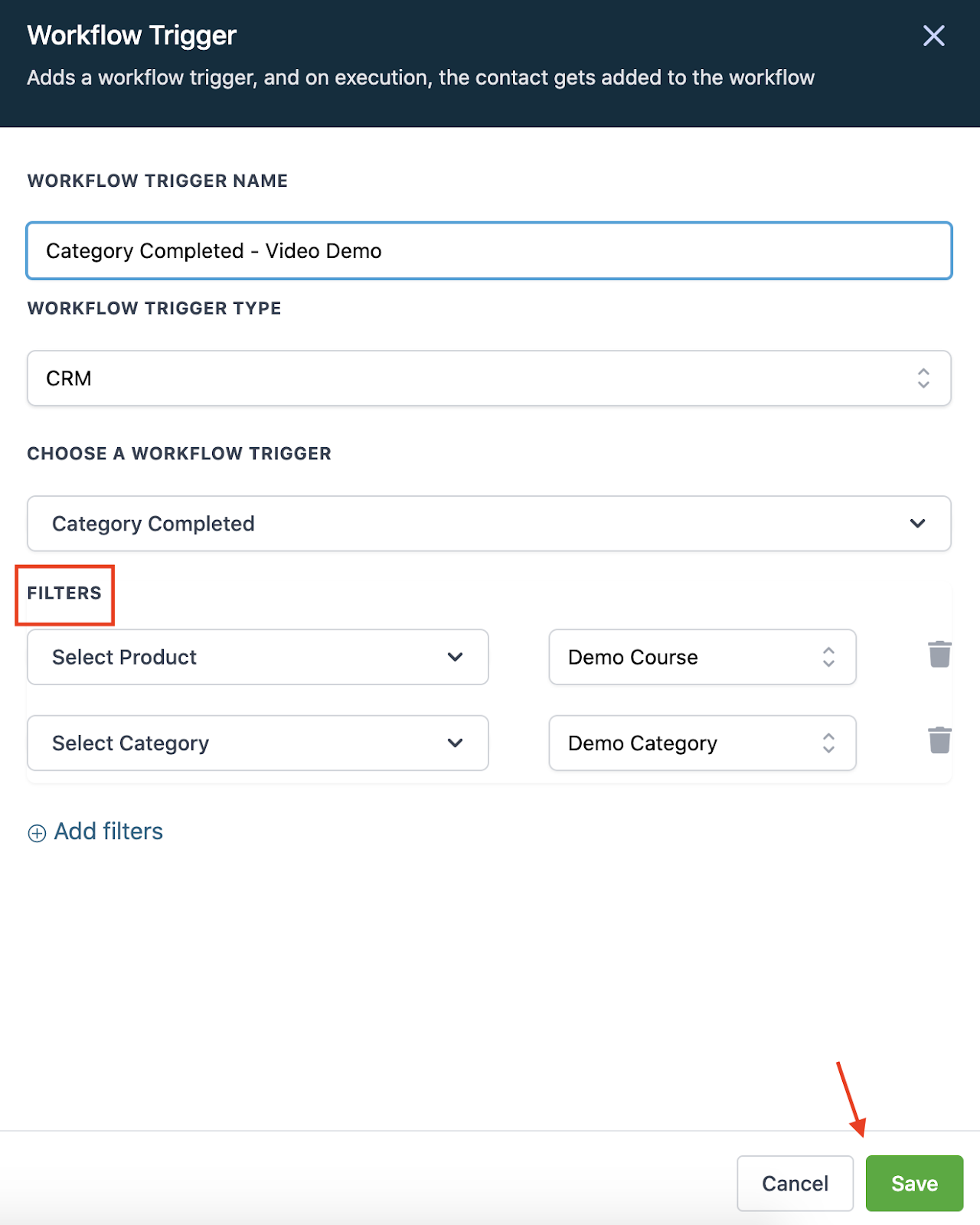
- Save your Workflow trigger.
- Save and activate the Workflow.
Keep learning