
How to Add SEO Titles, Descriptions, and Keywords to GHL Products
Updated August 27, 2024
Without proper SEO metadata, your GoHighLevel store products are invisible to search engines and potential buyers. This tutorial walks you through adding SEO titles, descriptions, keywords, and custom slugs to each product listing to improve ecommerce rankings.
Store owners can now enhance product discovery by adding SEO details to their listings, improving the overall shopping experience.
How to use
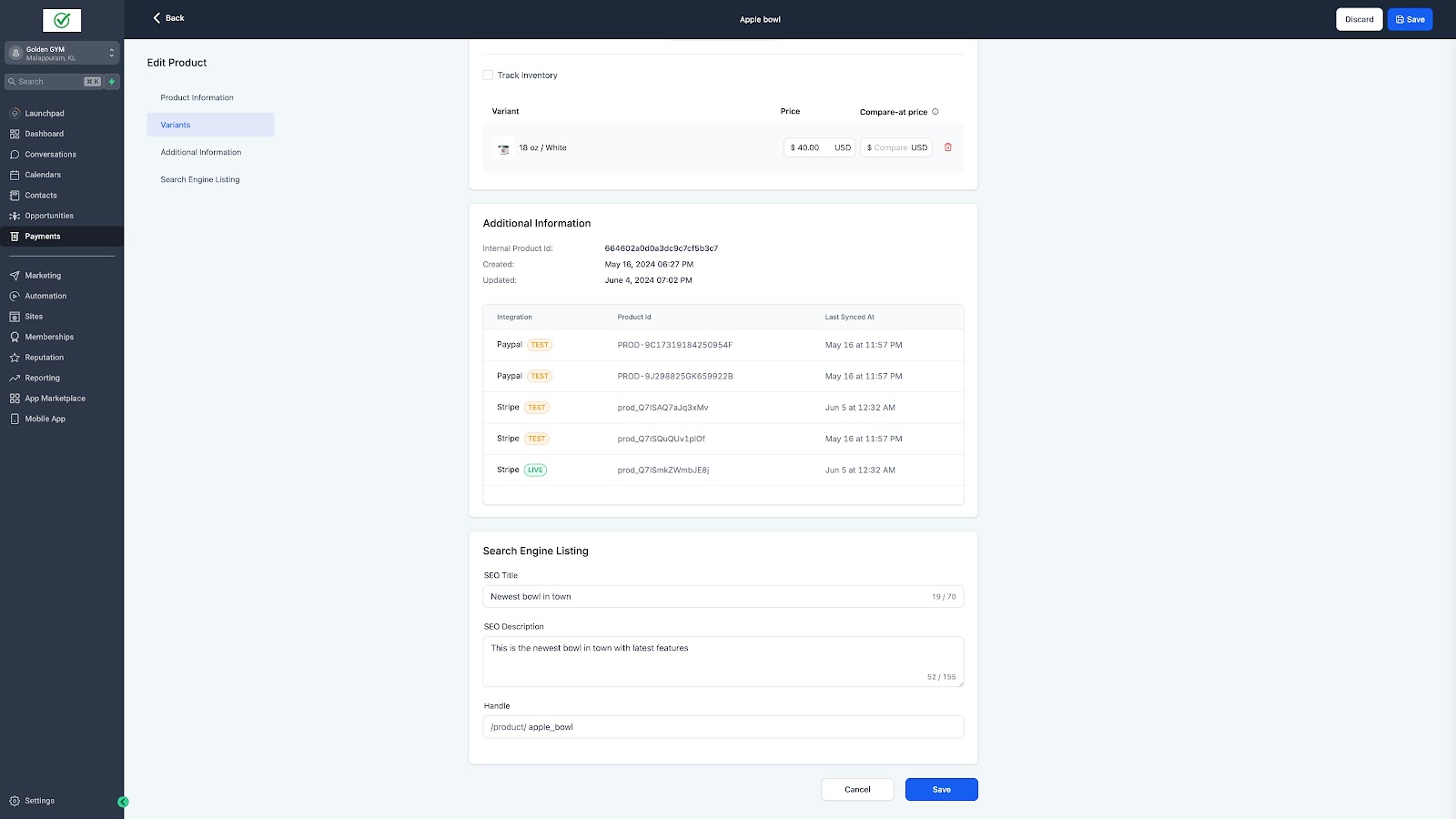
SEO for products can be added from
Payments -> Products (Product Create/Edit Page)
The SEO title, Description and custom slug can be configured on this page.
Notes:
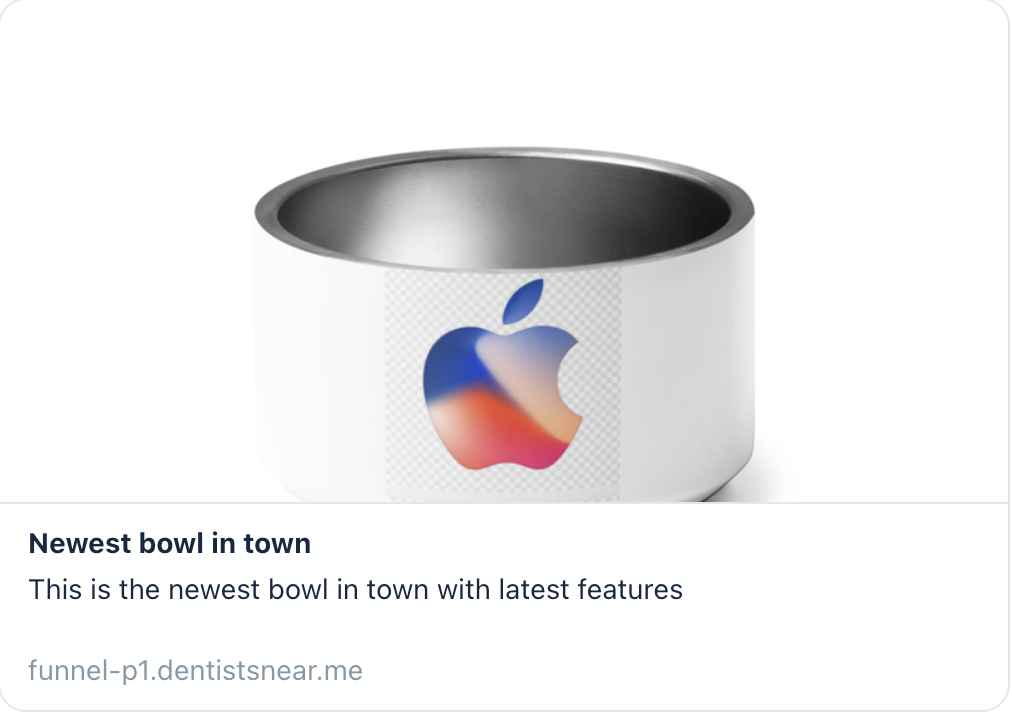
- The featured image will be chosen as the image for preview in SEO
- SEO modification will be available only when the toggle for product listing in online stores is enabled
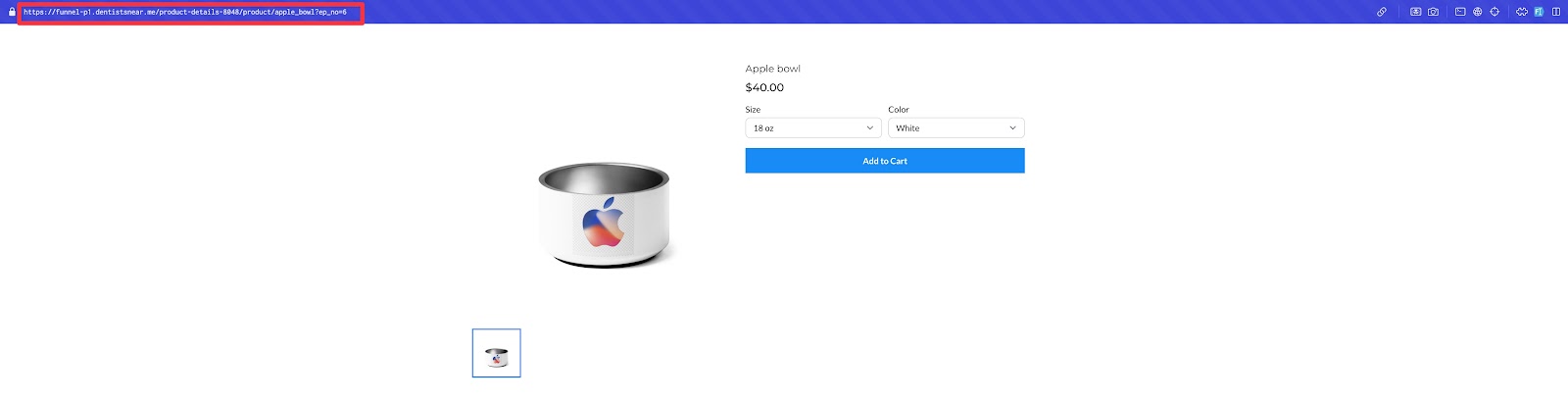
- Same slug cannot be used for multiple products
Images:
Search Engine Listing section:
Handle reflected in URL:
SEO Information for product reflected here:
Keep learning