
Add Blog Post Element in Funnel(s) step or Website(s) page in GoHighLevel
Updated February 24, 2025
How Does It Work?
1. Navigate to Sites > Go to Funnels step or Website Page
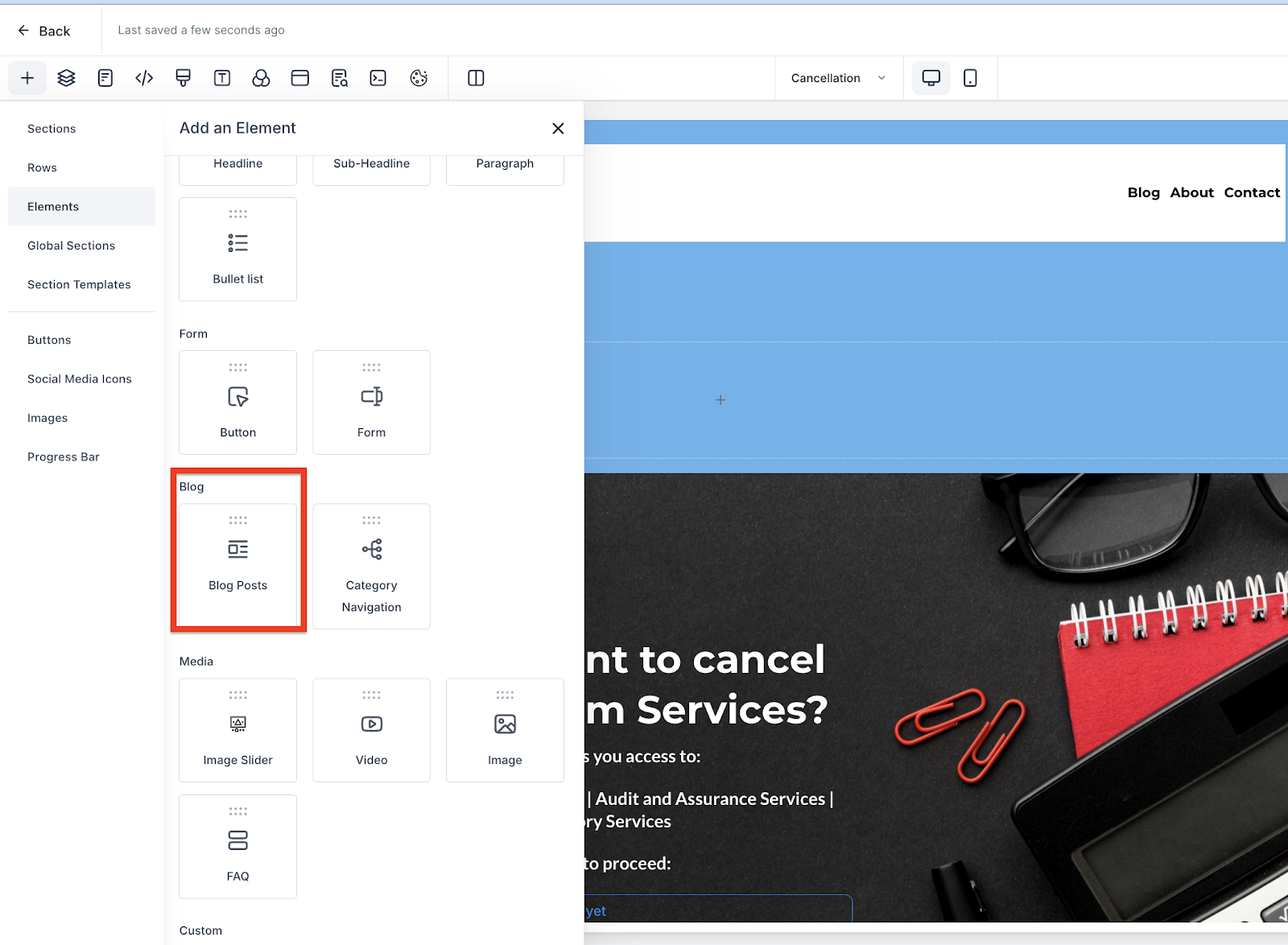
2. Add the element of Blog Post and drag and drop it out.
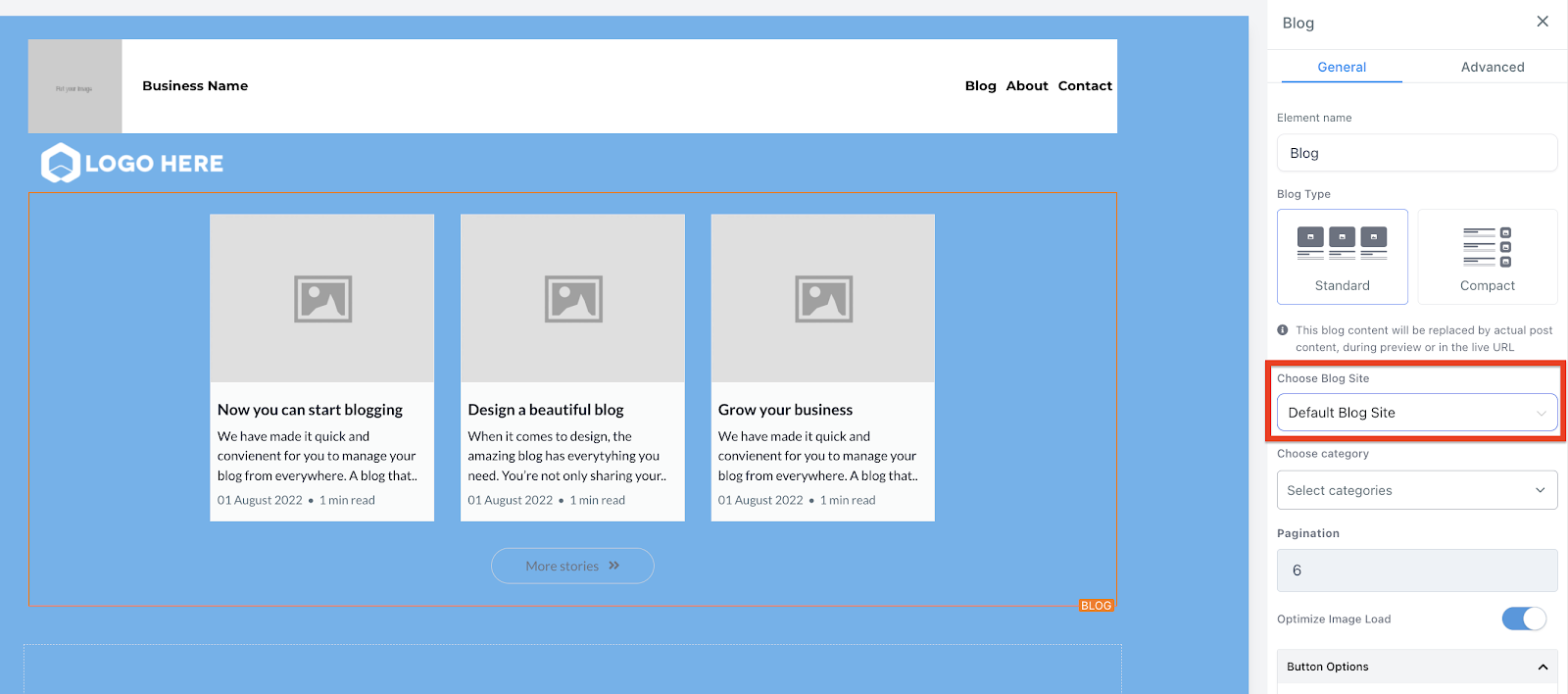
3. With the blog post element, select the blog name
Note – if you are using the old blog flow, use the default blog site option to use it.
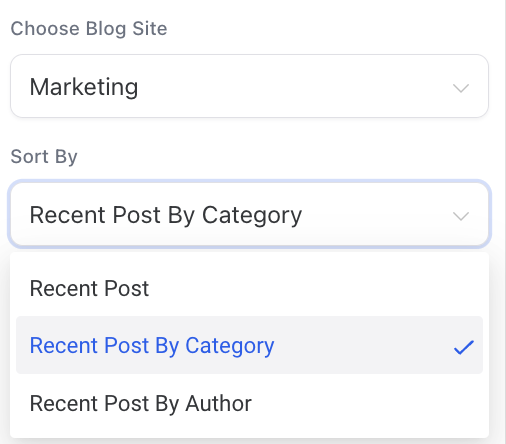
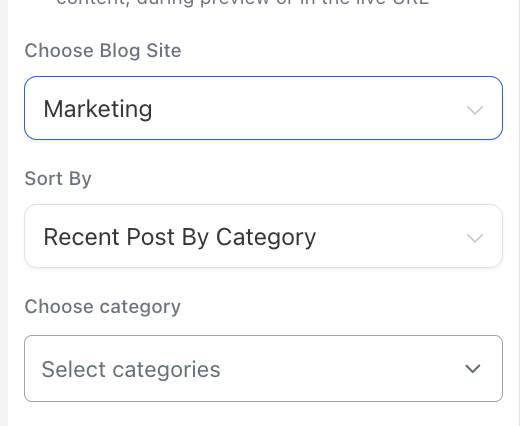
4. Filter by the blog post – Recent Post, Recent Post by Category and Recent Post by Author and select the category/author.
Note – Filtering will apply on updated date (date when blog post is published)
Keep reading